DOCTOR PROMOTION / CONSIDERED SCOPE
WhatsApp Business Platform Setup & Integration
Configure one number, shared inbox and initial template submissions.
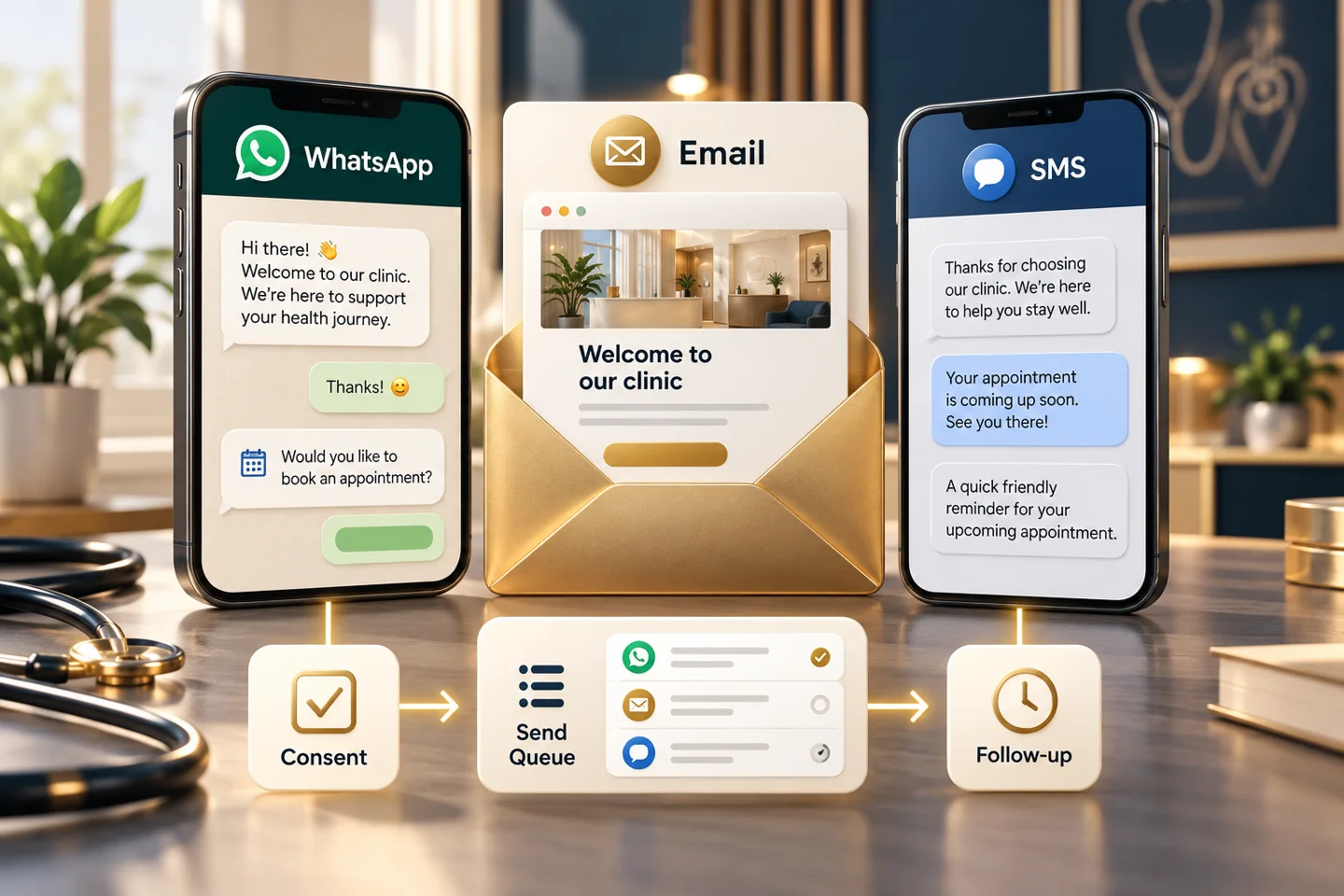
WHATSAPP BUSINESS PLATFORM SETUP & INTEGRATION / EXAMPLE OUTPUTS
Define the number, inbox and provider ownership
Configure one number, shared inbox and initial template submissions.
Inbox and staff configuration
Template submission log
Illustrative output types; the accepted proposal confirms the actual inclusions.
Explore the scope
Know what your project involves.
Swipe through services or use the arrows. Select a card to explore.
ILLUSTRATIVE EXAMPLE · NOT CLIENT WORK OR RESULTSWhatsApp Business Platform Setup & Integration / PROJECT DETAILS
The agreed starting scope
Configure one number, shared inbox and initial template submissions.
ILLUSTRATIVE EXAMPLE · NOT CLIENT WORK OR RESULTSWhatsApp Business Platform Setup & Integration / PROJECT DETAILS
The proposed work
Configure one number, shared inbox and initial template submissions. The accepted proposal specifies the exact quantity, format and service period.
ILLUSTRATIVE EXAMPLE · NOT CLIENT WORK OR RESULTSWhatsApp Business Platform Setup & Integration / PROJECT DETAILS
What we need from you
Accurate practice details, approved source materials, permitted brand assets and a named approval contact. No patient records or passwords.
ILLUSTRATIVE EXAMPLE · NOT CLIENT WORK OR RESULTSWhatsApp Business Platform Setup & Integration / PROJECT DETAILS
Separate costs and work
One practice/platform; five initial template submissions; chatbot up to 15 administrative paths. Cleanup up to 5,000 records does not establish consent. Platform, registration and message charges separate. No guarantee of verification or approvals.
ILLUSTRATIVE EXAMPLE · NOT CLIENT WORK OR RESULTSWhatsApp Business Platform Setup & Integration / PROJECT DETAILS
Feedback and revisions
The exact allowance is listed in the accepted proposal. Additional rounds require an agreed change.
ILLUSTRATIVE EXAMPLE · NOT CLIENT WORK OR RESULTSWhatsApp Business Platform Setup & Integration / PROJECT DETAILS
Delivery planning
Agree the schedule after the required inputs, output list and approval process are confirmed.
ILLUSTRATIVE EXAMPLE · NOT CLIENT WORK OR RESULTSWhatsApp Business Platform Setup & Integration / PROJECT DETAILS
Service period
Only the accepted service period is included. There is no automatic renewal.
ILLUSTRATIVE EXAMPLE · NOT CLIENT WORK OR RESULTSWhatsApp Business Platform Setup & Integration / PROJECT DETAILS
Cancellation
The published refund/cancellation policy and accepted proposal apply.
WhatsApp Business Platform Setup & Integration
Configure one number, shared inbox and initial template submissions.
Define the number, inbox and provider ownership
Confirm the supported business platform, account owner and number onboarding route. Configure staff access and prepare the agreed message templates through the selected provider.
Example outputs to discuss
- Provider setup record
- Inbox and staff configuration
- Template submission log
These are possible planning outputs. Your accepted proposal identifies the selected items, quantities and formats; this example list does not expand an existing order.
Illustrative working example
A number is onboarded to the selected provider and staff test access to the shared inbox.
This is a hypothetical example, not a client case study or promised result.
Test approvals and delivery handling
Template approval and delivery are provider-controlled. Verify staff handover, opt-out handling and the operating costs before live use.
THE WORK, EXPLAINED
A clear path from brief to delivery.
Swipe through services or use the arrows. Select a card to explore.
 ILLUSTRATIVE EXAMPLE · NOT CLIENT WORK OR RESULTS
The work, explained / STEP 01
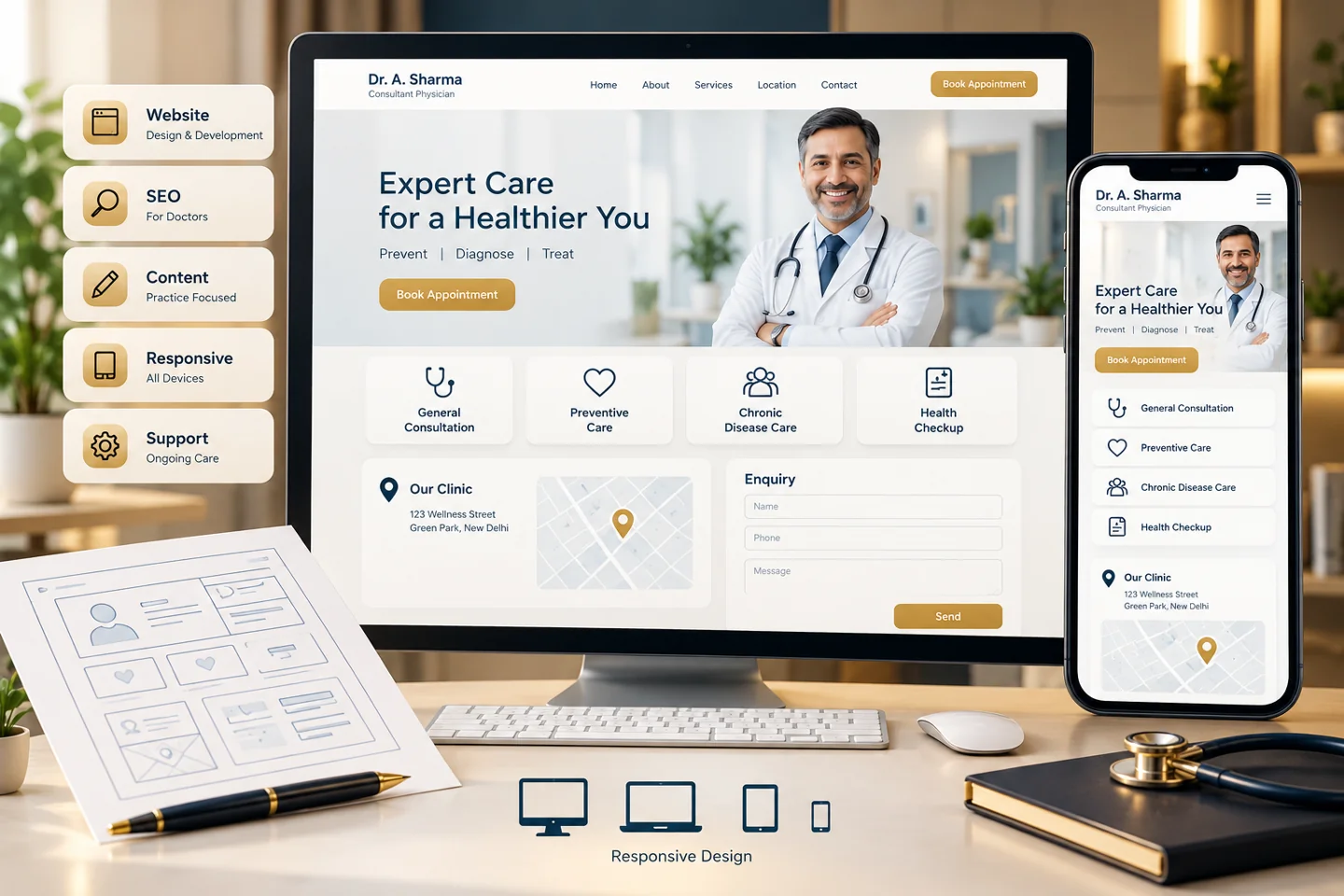
Provider and number plan
WhatsApp Business Platform Setup & Integration — Provider and number plan
 ILLUSTRATIVE EXAMPLE · NOT CLIENT WORK OR RESULTS
The work, explained / STEP 02
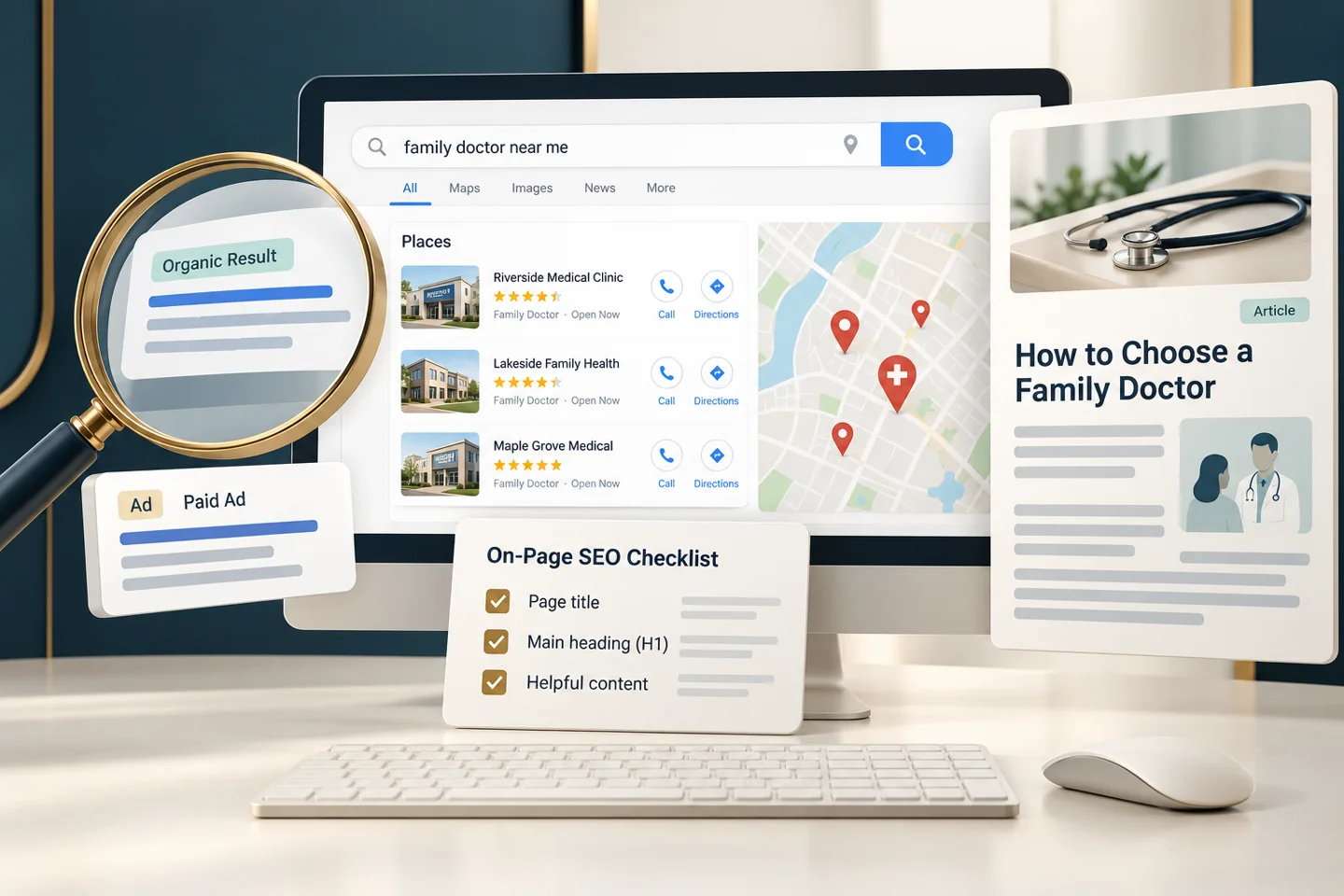
Inbox and template setup
WhatsApp Business Platform Setup & Integration — Inbox and template setup
 ILLUSTRATIVE EXAMPLE · NOT CLIENT WORK OR RESULTS
The work, explained / STEP 03
Delivery and handover checks
WhatsApp Business Platform Setup & Integration — Delivery and handover checks
Useful questions before you begin.
What does WhatsApp Business Platform Setup & Integration include?
Configure one number, shared inbox and initial template submissions. Exact quantities, formats and exclusions are recorded in the accepted proposal.
What information will you need from our practice?
Verified practice details, approved source materials, relevant brand assets and a responsible approval contact. Clinical statements require your qualified approval.
Are advertising, software or other third-party costs included?
Only costs expressly included in the accepted proposal are covered. Other platform, usage, media, creator or production costs are agreed separately.
Can we request additional work later?
Yes. Work outside the accepted scope is documented in a separate change proposal before it is approved and charged.
Consider the next connection.
SPECIALIST SERVICE
WhatsApp Business Journeys
Support timely, consent-based business conversations.
Scope and fees confirmed in a written proposal.
Explore scope & optionsSPECIALIST SERVICE
Email Marketing
Plan useful emails for people who choose to hear from you.
Scope and fees confirmed in a written proposal.
Explore scope & optionsSPECIALIST SERVICE
SMS Communication
Coordinate concise messages through an approved provider.
Scope and fees confirmed in a written proposal.
Explore scope & optionsLet’s bring your digital presence together.
Tell us about your practice, priorities and ambitions.