 ILLUSTRATIVE EXAMPLE · NOT CLIENT WORK OR RESULTS
CRM User Roles & Access Configuration / PROJECT DETAILS
The agreed starting scope
Configure permissions around staff responsibilities.
DOCTOR PROMOTION / CONSIDERED SCOPE
Define which staff can view, change, export and administer each part of the agreed CRM workflow, then test those permissions.
Explore the scope
Swipe through services or use the arrows. Select a card to explore.
ILLUSTRATIVE EXAMPLE · NOT CLIENT WORK OR RESULTSCRM User Roles & Access Configuration / PROJECT DETAILS
Configure permissions around staff responsibilities.
ILLUSTRATIVE EXAMPLE · NOT CLIENT WORK OR RESULTSCRM User Roles & Access Configuration / PROJECT DETAILS
Configure permissions around staff responsibilities. The accepted proposal specifies the exact quantity, format and service period.
ILLUSTRATIVE EXAMPLE · NOT CLIENT WORK OR RESULTSCRM User Roles & Access Configuration / PROJECT DETAILS
Accurate practice details, approved source materials, permitted brand assets and a named approval contact. No patient records or passwords.
ILLUSTRATIVE EXAMPLE · NOT CLIENT WORK OR RESULTSCRM User Roles & Access Configuration / PROJECT DETAILS
Setup: five users, eight stages, 15 fields, two rules. Migration: 5,000 contacts/one spreadsheet. Dashboard: six widgets. Support: five workflows/four hours per month. Licences, usage, hosting and clinical-system development separate. Document triggers, actions, exceptions, alerts, exports and ownership.
ILLUSTRATIVE EXAMPLE · NOT CLIENT WORK OR RESULTSCRM User Roles & Access Configuration / PROJECT DETAILS
The exact allowance is listed in the accepted proposal. Additional rounds require an agreed change.
ILLUSTRATIVE EXAMPLE · NOT CLIENT WORK OR RESULTSCRM User Roles & Access Configuration / PROJECT DETAILS
Agree the schedule after the required inputs, output list and approval process are confirmed.
ILLUSTRATIVE EXAMPLE · NOT CLIENT WORK OR RESULTSCRM User Roles & Access Configuration / PROJECT DETAILS
Only the accepted service period is included. There is no automatic renewal.
ILLUSTRATIVE EXAMPLE · NOT CLIENT WORK OR RESULTSCRM User Roles & Access Configuration / PROJECT DETAILS
The published refund/cancellation policy and accepted proposal apply.
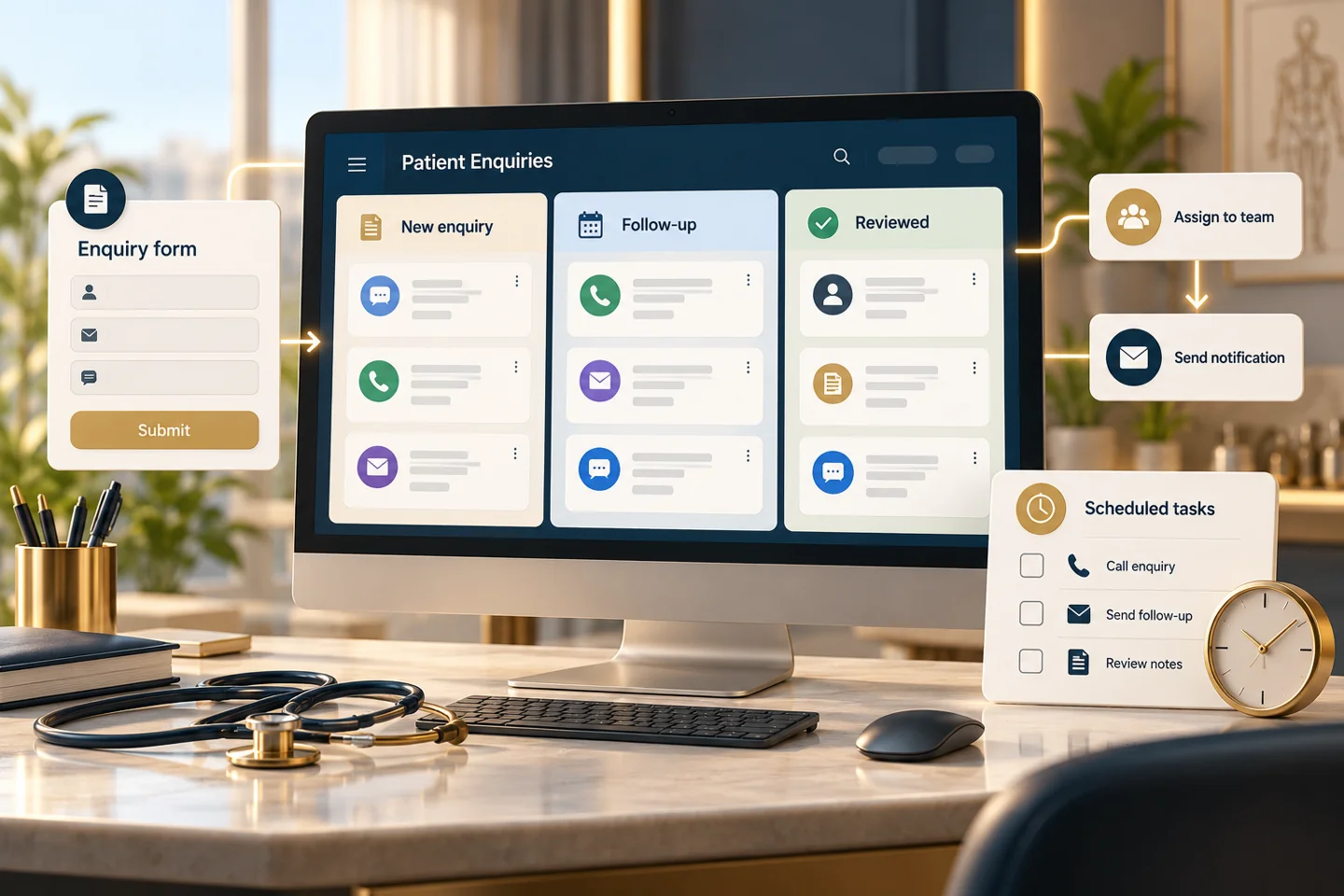
List the teams using the CRM and the administrative tasks each performs. Reception may need to manage assigned enquiries while a manager reviews a wider queue. A reporting role may need summaries without unrestricted exports. Write the required actions before selecting role names so a familiar label such as user or manager does not hide excessive access.
Document view, create, edit, assign, export and administration permissions for each supported record type. Check branch or ownership restrictions where the tool provides them. Confirm which controls the selected product actually supports and record gaps rather than claiming a restriction exists because it appears in a proposal. Use individual accounts where supported so responsibility is not lost in a shared login.
Use non-production sample records to check each role. Test direct record access as well as visible menus, and verify that a hidden button is not being mistaken for an enforced permission. Include export attempts, reassignment and account removal in the relevant test cases. Resolve unexpected access before applying the arrangement to the live team.
A usable handover includes the approved matrix, account owners, test outcomes and a process for access changes. Decide who authorises a new account, who reviews exceptional permissions and who removes access when responsibilities end. Product licences, advanced security features and a full security assessment are separate unless the proposal expressly includes them. Role configuration is one control, not a guarantee that the entire system is secure.
THE WORK, EXPLAINED
Swipe through services or use the arrows. Select a card to explore.
 ILLUSTRATIVE EXAMPLE · NOT CLIENT WORK OR RESULTS
The work, explained / STEP 01
CRM User Roles & Access Configuration — Role and action matrix
 ILLUSTRATIVE EXAMPLE · NOT CLIENT WORK OR RESULTS
The work, explained / STEP 02
CRM User Roles & Access Configuration — Permission configuration
 ILLUSTRATIVE EXAMPLE · NOT CLIENT WORK OR RESULTS
The work, explained / STEP 03
CRM User Roles & Access Configuration — Access-boundary tests
Where the chosen CRM supports enforced branch or ownership restrictions, that can be part of the scope. The restriction must be tested; otherwise the limitation should be documented.
Not by default. The proposal should distinguish role design and configuration from penetration testing, broader security assessment and external compliance advice.
SPECIALIST SERVICE
Give enquiries a clear owner and next step.
Scope and fees confirmed in a written proposal.
Explore scope & optionsSPECIALIST SERVICE
Build consent-based follow-ups around a defined process.
Scope and fees confirmed in a written proposal.
Explore scope & optionsSPECIALIST SERVICE
Connect agreed tools to reduce repeated manual work.
Scope and fees confirmed in a written proposal.
Explore scope & optionsTell us about your practice, priorities and ambitions.