
WhatsApp enquiry follow-up for clinics needs a clear handover process, not just a quick first reply. A conversation can begin easily and still become confusing if nobody owns the next action, several staff members respond differently or an automated acknowledgement sounds like an appointment confirmation. The working process should be defined before increasing message volume.
This guide focuses on general administrative enquiries, routing and staff handover. It does not recommend WhatsApp as a system for individual clinical advice or sensitive records. Examples are fictional workflow illustrations, and the appropriate setup depends on the practice, product features and applicable requirements.
Decide what the channel is meant to handle
List the administrative questions your team can answer through the channel. These might include public opening hours, branch directions or the next step for a general service enquiry. Separate those from requests requiring a different authorised process or specialist response.
Define what the team must not promise. A receptionist may be able to acknowledge a request but unable to confirm availability immediately. Write that distinction into the response guide so an enthusiastic reply does not create an expectation the practice cannot meet.
Check the proposed use against the current WhatsApp Business Messaging Policy, including relevant restrictions and privacy requirements. The platform distinguishes its products and applies specific conditions to business messaging. An administrative workflow is not a blanket approval for every healthcare-related use.
Make permission and expectations part of intake
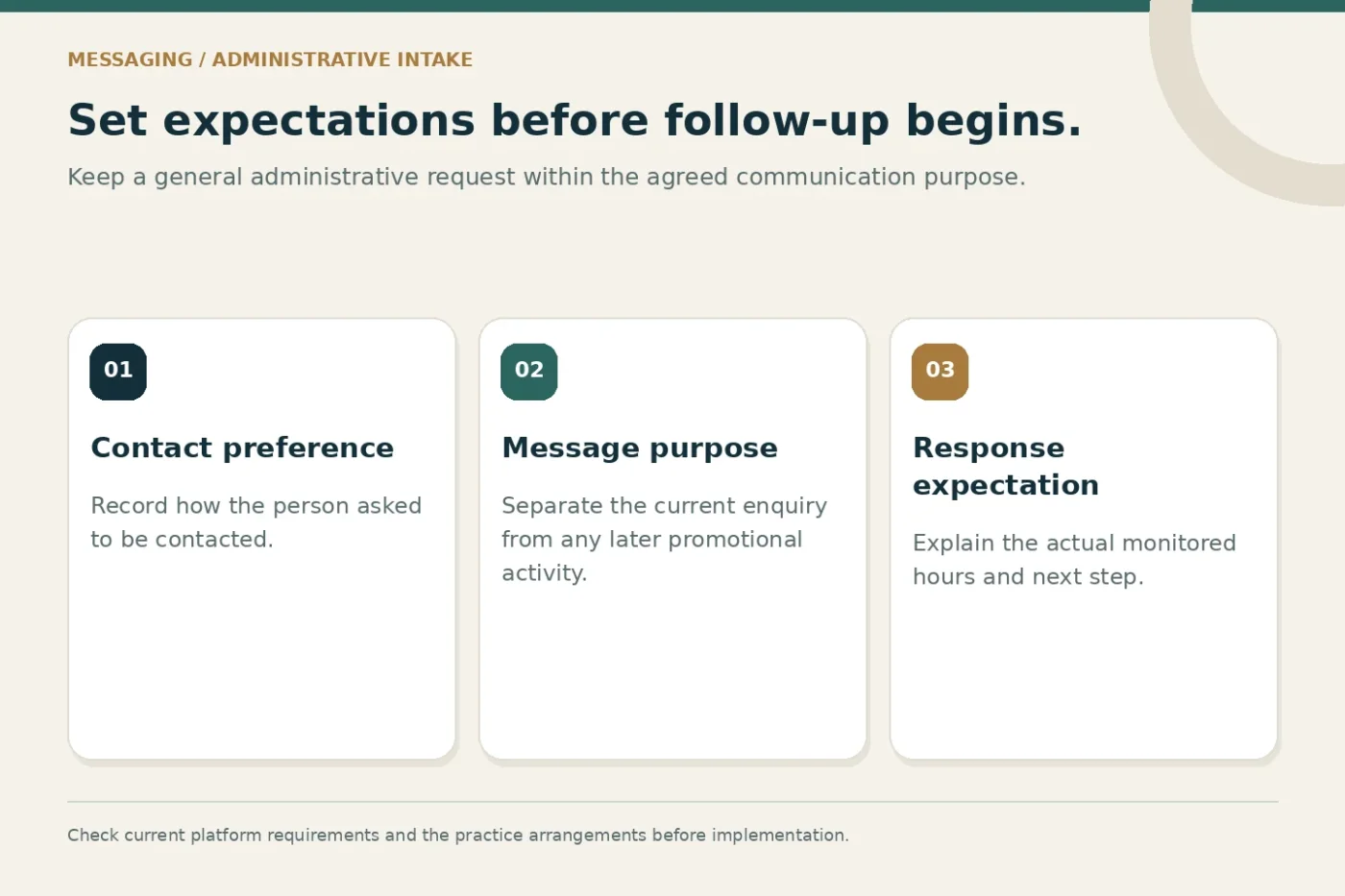
A telephone number in a database is not a complete communication instruction. Record how the person asked to be contacted and what messages they expect. Keep the purpose of a response separate from any later promotional activity the practice may be considering.
WhatsApp's published policy addresses permission for subsequent contact and respecting requests to stop communication. Review the current wording and the requirements relevant to your setup before enabling outbound activity. Do not assume that a previous enquiry authorises an unrelated broadcast programme.
Explain the practical response arrangement where people enter the channel. If messages are reviewed only during working hours, say so accurately. A supported response expectation is better than a promise of immediate availability that staff cannot consistently fulfil.
Design the acknowledgement around the next step
The first reply should identify the practice and acknowledge the request in plain language. Explain whether staff will review it and what the person should expect next. Avoid language that suggests a booking has been completed when a team member still needs to confirm it.
An illustrative administrative acknowledgement could say: thank you for contacting the practice; the reception team will review your enquiry during the stated hours; please use the published contact route for the next administrative step. The final wording should reflect the practice's actual arrangements.
Do not invite someone to send detailed private records merely to make the message feel comprehensive. If the practice needs additional information through another approved process, explain that route at the appropriate point. A short acknowledgement should not become an unrestricted intake questionnaire.
Give each open conversation an owner
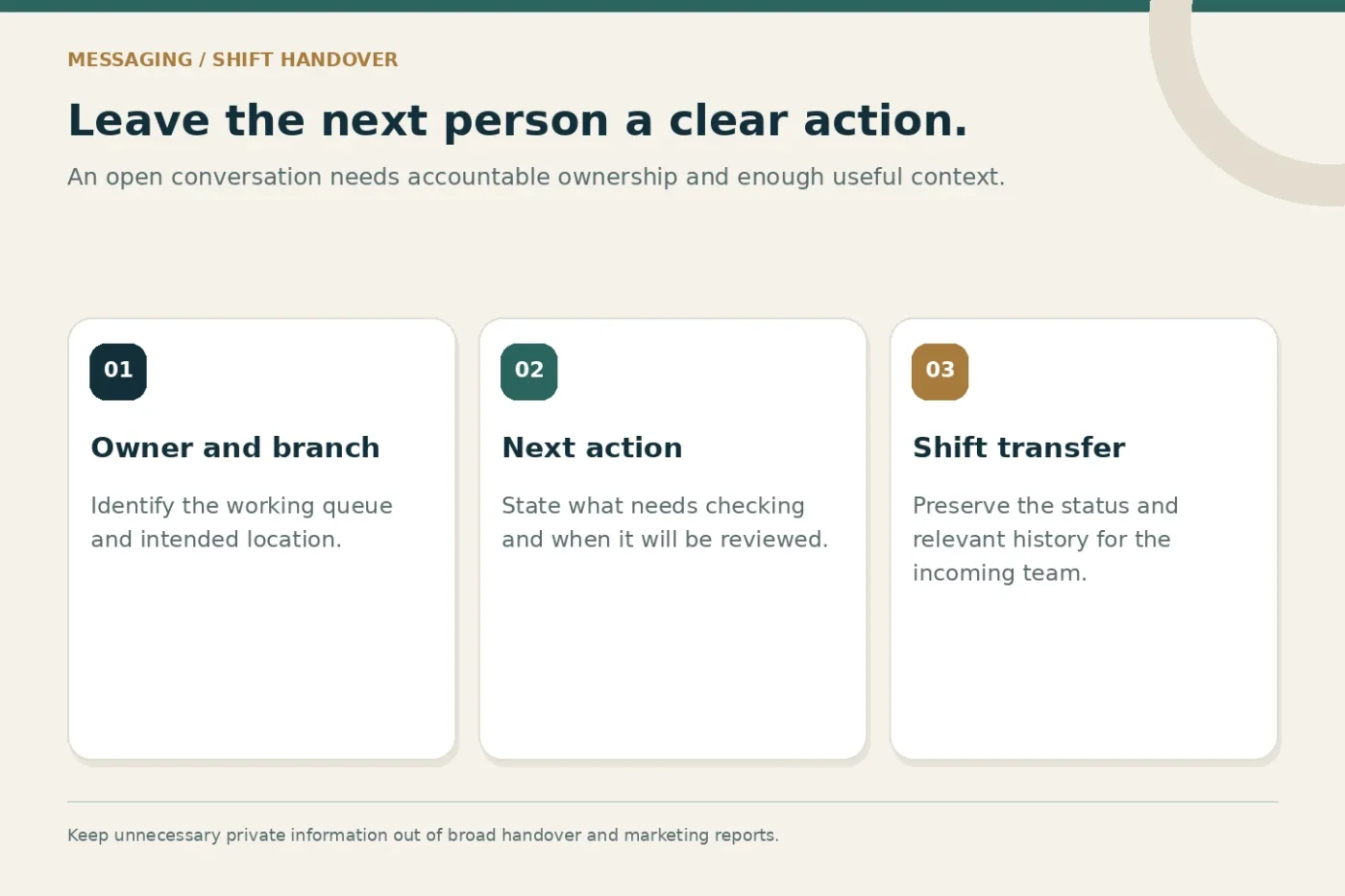
Assign a staff owner or a clearly accountable queue. Without ownership, several people may assume someone else is responding. If a central team handles more than one branch, keep the requested location visible throughout the handover.
Record a simple next action and its due time according to the practice's operating routine. The task might be to clarify the branch, provide public information or pass the request to an authorised team member. Avoid vague notes such as follow up later without explaining what remains unresolved.
Define what happens when the owner is absent or the shift changes. The incoming team should see the current status and relevant history rather than restart the conversation. Handover should preserve enough context for a useful response without spreading unnecessary private information.
Keep the CRM record separate from the conversation log
A messaging thread contains activity, while a CRM request records the work staff need to manage. Decide which information belongs in each. Copying every message into every system can create duplication and make access controls harder to manage.
Use a stable request reference where the tools support it. If someone also submits a website form, review whether the messages concern the same request before creating another working record. A matching telephone number alone is not enough to establish identity or justify a merge.
The handover record can focus on the administrative purpose, branch, owner, status and next action. Keep sensitive material out of broad campaign dashboards. Confirm access, retention and escalation arrangements with the people responsible for the practice's information handling.
A practical handover sequence
- Receive
Identify the administrative request and expected contact route.
- Assign
Give the conversation an owner, branch and next action.
- Respond
Use approved information and a clear escalation path.
- Close
Record the actual outcome and respect communication preferences.
Use automation with a human route
Automation can help acknowledge a request or present a supported routing choice. It should not create a false impression that a person has reviewed the enquiry. Use wording that accurately reflects the action the system has completed.
For the Business Platform, check the current template, response-window and escalation requirements before implementation. Product rules can change, and a setup designed for one type of message should not be reused for another without review. Confirm the behaviour with your provider rather than relying on an old screenshot.
Test how someone reaches a person when the automated route does not help. A visible contact option and a working staff queue are more useful than a menu that repeatedly sends the visitor back to the beginning. Record unsupported requests for process improvement.
An illustrative two-shift scenario
Imagine a fictional clinic receives a general branch enquiry near the end of a reception shift. The first staff member acknowledges it, records the intended branch and assigns a next action to check an administrative detail. The request remains open because the answer has not yet been confirmed.
At handover, the incoming staff member sees the owner queue, the previous response and the unresolved question. They complete the agreed check and reply through the appropriate route. The record is closed only after documenting what actually happened, rather than because an automatic reply was sent.
This scenario illustrates responsibility and continuity. It is not a claim about response-time improvements or a promise that software can replace staff judgement. The process needs to fit the practice's actual staffing and supported tools.
Test the website-to-message journey
Check the WhatsApp button from a real mobile device and a desktop browser. Confirm that it opens the intended business number and that any suggested text is appropriate. Do not place private details into a prefilled URL or assume the visitor will send the suggested message unchanged.
Test branch context and after-hours behaviour. If the website sends every visitor to one central account, reception should know how to route location-specific requests. Keep the public contact details consistent with the account the team actually monitors.
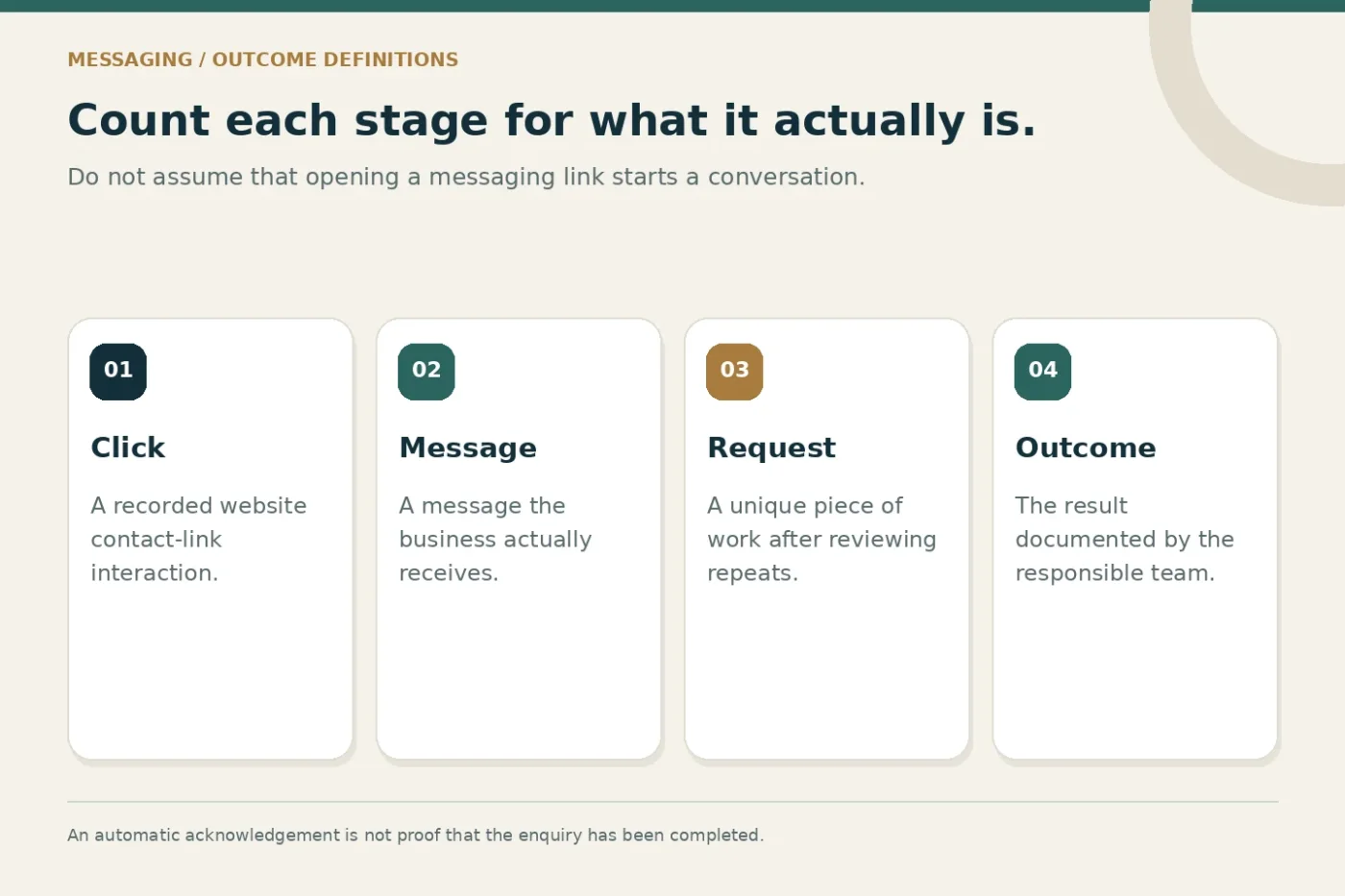
A test should also cover failure and uncertainty. What happens if the link opens but no message is sent? A button click alone is not proof of a conversation. Keep website interaction reporting separate from requests staff actually receive and assess.
Review the queue using operational definitions
Track open requests, ownership gaps and overdue next actions according to the agreed routine. Explain what counts as closed and how unanswered or incomplete conversations are represented. Do not remove unresolved work from the report simply to make the queue look smaller.
For campaign analysis, distinguish a click, a new message, a unique request and a staff-confirmed outcome. Missing information should remain visible. A useful review identifies the next process change, such as clearer website wording or a better branch handover.
Discuss WhatsApp Business journeys and WhatsApp and email CRM integration when planning the work. Confirm the exact scope, product eligibility, staff responsibilities and separate provider costs in the proposal.
Common questions
Does an automatic reply complete the enquiry?
No. It records or acknowledges an event. The team still needs to perform the next action and record the actual outcome through its agreed process.
Should every conversation become a new CRM request?
Not automatically. Review whether it is a new request, a continuation or a repeated submission. Preserve useful history without inflating the working queue.
Share your current reception and messaging process to discuss an administrative workflow that your team can maintain.