
A clinic social media approval workflow helps a practice publish useful content without losing track of facts, revisions and responsibilities. The problem is rarely a shortage of ideas alone. A post can remain unfinished because nobody knows who checks the wording, which version is current or whether the photograph has permission for public use.
This guide sets out a manageable process from brief to publication. It is intended for clinic owners, designated reviewers and marketing teams. The examples describe proposed working arrangements, not a claim that one process fits every practice or guarantees audience growth.
Start with a clear content purpose
Every proposed post should answer a simple question: what should the intended reader understand after seeing it? A practical location update has a different purpose from an educational explanation or a team introduction. Identify that purpose before choosing a visual format.
Record the intended audience and the next action, if one is needed. Some posts should simply explain a topic clearly. Others may point to a relevant website page or an enquiry route. Avoid adding a sales message merely because a template contains a button area.
Keep an idea list separate from the approved publishing queue. A promising topic may still need source material or factual confirmation. Moving it straight into a dated calendar can create pressure to publish incomplete work simply to fill a scheduled slot.
Give each role a specific responsibility
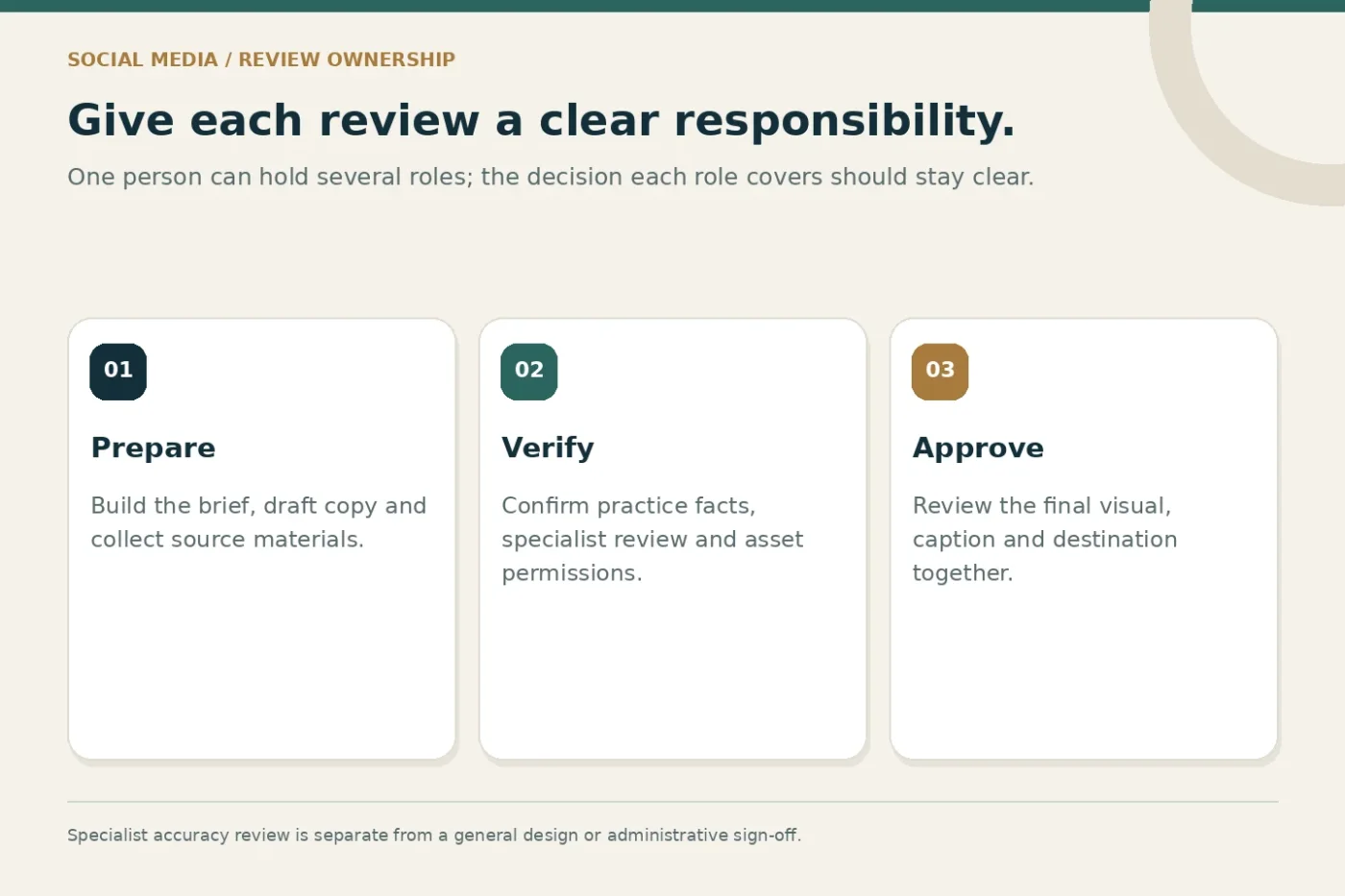
Distinguish content preparation, factual review, visual review and final publication approval. One person may perform several roles in a small practice, but the responsibilities should still be explicit. An agency cannot verify a clinic's service availability without an authorised practice contact.
For educational statements about clinical subjects, use an appropriate qualified reviewer and a suitable review process. A general administrative approval should not be treated as confirmation of specialist accuracy. Keep the assigned review role visible in the content record.
Choose a backup approver for time-sensitive operational updates. If the usual contact is unavailable, staff should know which material can proceed and which must wait. This avoids informal approvals that are difficult to trace later.
Prepare a brief before designing the post
A compact brief should include the purpose, confirmed facts, source materials, intended format and required destination link. Add any wording that must be preserved, such as the verified branch name or an approved contact instruction.
List unresolved questions clearly. For example, a team introduction may be waiting for a biography correction or an image permission. Do not bury those questions inside a design file where the approver may overlook them while concentrating on colours and spacing.
Agree what counts as a new brief. A request to change a location detail is different from replacing the entire topic after design approval. Defining that boundary supports predictable turnaround and helps the practice understand the work included in the monthly scope.
Review the words before polishing the visual
Check the core explanation while it is still easy to change. Confirm that the post says something useful, uses approved facts and does not imply an outcome the practice cannot support. Remove unnecessary jargon and explain abbreviations where the audience needs help.
Google's people-first content guidance is written for web content, but its emphasis on usefulness is also a helpful editorial principle here. Do not turn a simple announcement into a padded article or repeat a phrase merely to reach an arbitrary keyword count.
After the wording is agreed, review the design against the actual reading conditions. A carousel needs a clear sequence, while a single-image post needs a readable main message. Keep important information in the accompanying text when it would be too small inside the artwork.
Check assets, permissions and accessibility
Maintain a record of where each photograph, illustration or video comes from and how it may be used. Permission for one context should not be casually assumed to cover every channel. Ask the responsible person to confirm uncertain usage before the post enters the approved queue.
Avoid presenting illustrative people or premises as the actual practice. If the post introduces a real team member, use accurate information and an authorised asset. A generic image can support an abstract topic, but it cannot serve as evidence of a person's identity or work.
The W3C image tutorial explains how alternative text depends on the purpose of the image. Use platform accessibility features where available, provide meaningful accompanying copy and check that essential information is not conveyed only by decorative graphics.
Keep one reviewable version
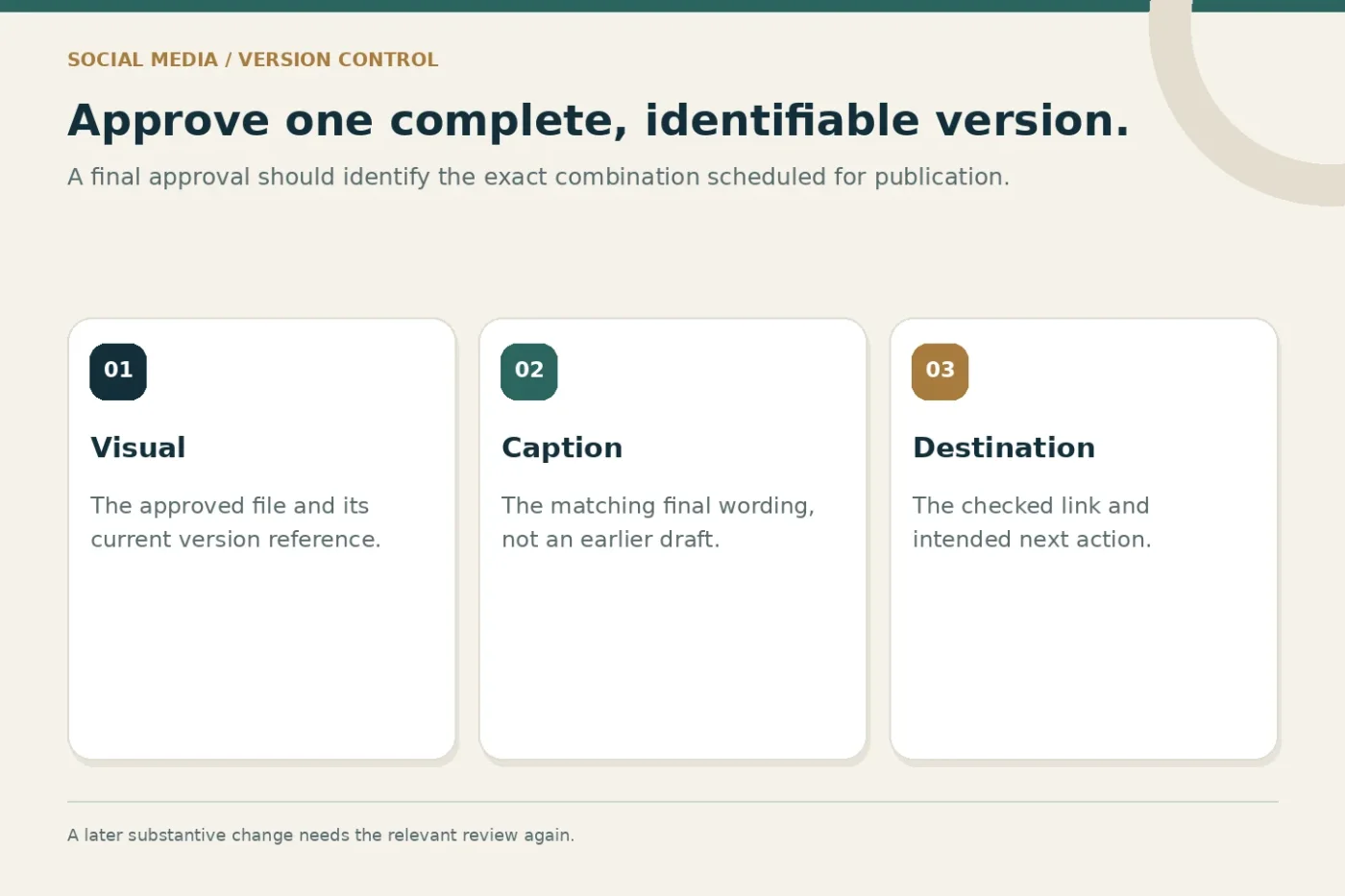
Use a stable content reference and a visible version number. Feedback should refer to that version rather than an unlabeled screenshot in a separate conversation. When the copy changes substantially, confirm whether the earlier approval still applies.
Ask the practice contact to consolidate comments. A single list of changes is easier to implement than several partial messages from different people. Separate a factual correction from a preference so urgent inaccuracies can be handled promptly.
Record final approval with the asset and caption it covers. Approval of a visual alone does not necessarily approve a revised caption or destination link. The publishing team should be able to identify the exact combination authorised for release.
A practical approval sequence
- Brief
State the reader need, confirmed facts and required assets.
- Review
Resolve wording, accuracy, permissions and accessibility.
- Approve
Record the exact visual, caption and destination version.
- Publish
Verify the live post and route comments appropriately.
An illustrative weekly review routine
Imagine a fictional clinic planning three posts: a location update, an introduction to an approved service and a staff profile. The agency prepares short briefs first. The location update can be checked by the branch manager, while other material goes to the designated factual approver.
Once the words are agreed, the designer prepares the visual versions. The practice sends one consolidated response for each item. Approved posts enter the queue; an incomplete staff profile remains in draft until the biography and photograph are confirmed.
This is an example of a working sequence, not a promised production timetable. The appropriate review frequency depends on the practice's capacity, the material involved and the agreed service scope. Fewer complete posts can be more useful than a larger queue waiting on unresolved facts.
Check the live post and plan for corrections
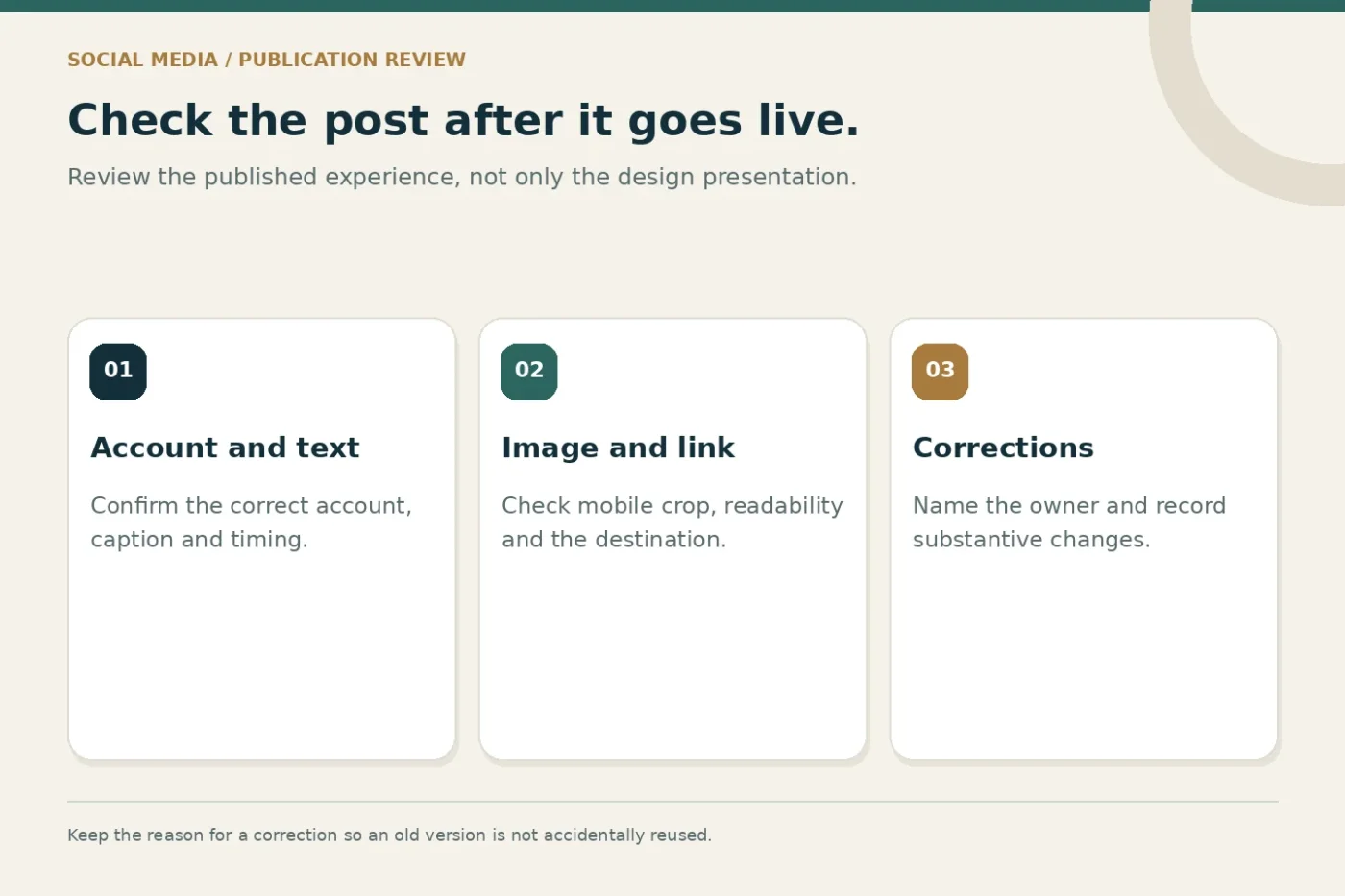
Publication is another verification point. Check the displayed caption, image crop, account, destination link and any scheduled timing. A file that looked correct in a presentation can display differently after platform processing or on a small screen.
Define how staff report a mistake and who can correct it. Keep a record of substantive changes so the team does not accidentally reuse the earlier incorrect version. If a post needs withdrawal, preserve the internal record rather than losing the reason for removal.
Plan how comments and private enquiries move to the appropriate team. The person publishing content may not be authorised to answer individual questions. A simple handover rule helps maintain a consistent response without encouraging public discussion of private circumstances.
Measure the workflow as well as the content
Review where work waits: missing facts, delayed permissions, conflicting feedback or unclear ownership. These are process observations that can be improved without guessing why a platform's reach changed. Keep them separate from audience performance metrics.
For content reporting, define the interactions being counted and avoid treating every reaction as a relevant enquiry. The review should identify useful topics, repeated visitor questions and practical next tests. It should not manufacture a success story from a small number of impressions.
Discuss healthcare social media strategy and Instagram and Facebook management if the practice needs both planning and publishing support. Confirm which review and response responsibilities remain with your team.
Common questions
Can the agency approve everything without the practice?
The agency can manage the agreed editorial and design work, but practice-specific facts and specialist statements still need the appropriate authorised review. Define that division before production starts.
Should every post have the same format?
No. Choose a format suited to the message and available material. Consistent brand presentation does not require identical layouts for every topic.
Share your current approval process to discuss a content scope your team can review and maintain.