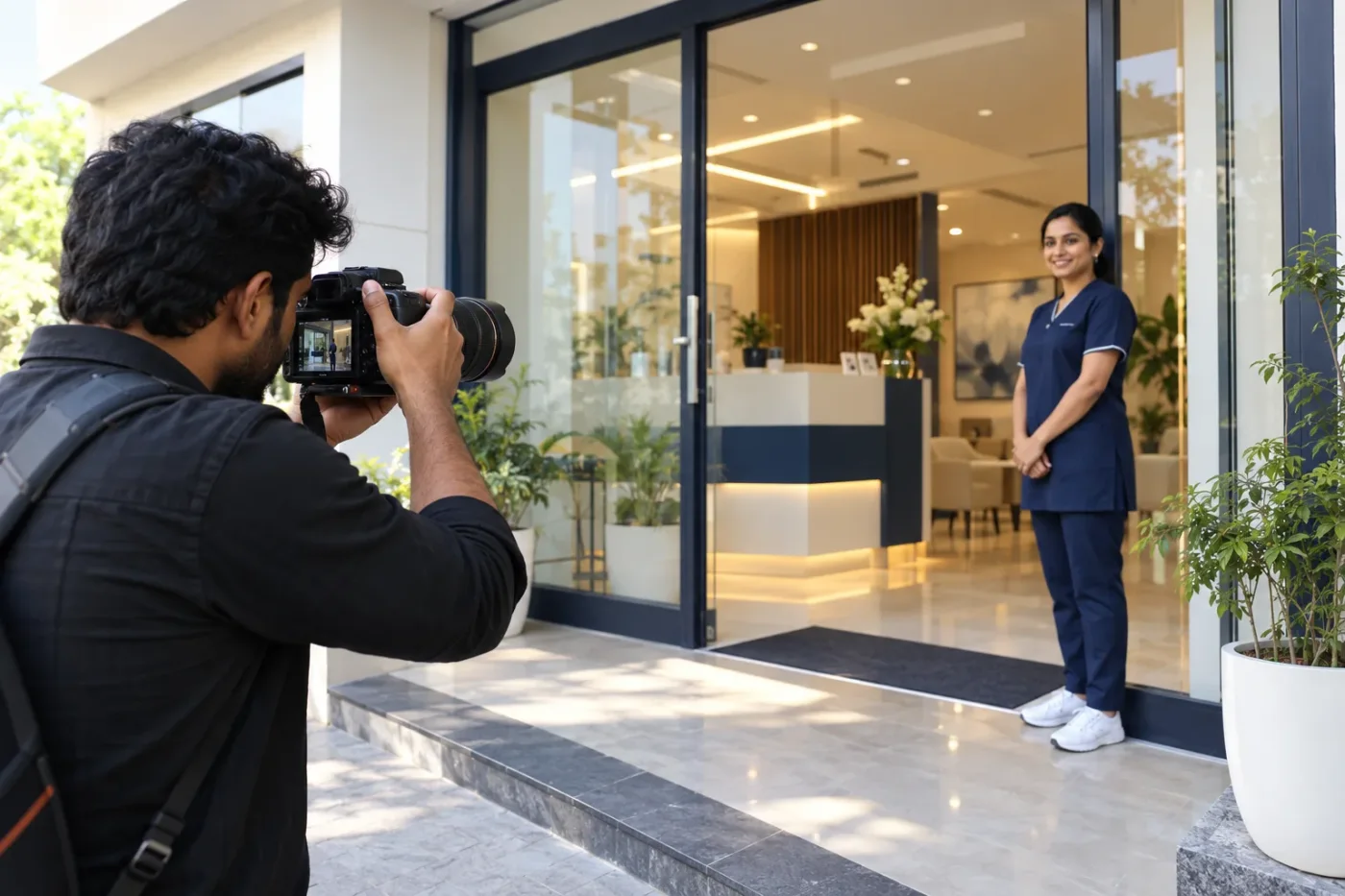
Google Business Profile photos for clinics should help people recognise the practice and understand its surroundings. A polished picture is useful only when it represents the real location accurately. An attractive but fictional reception cannot tell a visitor which door to use or what the waiting area actually looks like.
This guide concentrates on choosing, checking and maintaining a practical photo collection. It does not promise that uploading a particular number of pictures will improve rankings. The priority is a clear visual record that the practice can stand behind and keep current.
Start with recognition rather than decoration
Ask which photographs would help someone visiting for the first time. The entrance, reception and relevant room interiors often answer more useful questions than a generic image of a smiling professional. Create the brief around recognisable features of the actual clinic.
List the uncertainty each photograph should resolve. An exterior image might distinguish the building from neighbouring shops. A reception image might show where visitors check in. This makes the shoot more purposeful than collecting several nearly identical views because a posting calendar has empty spaces.
Follow the platform's current photo guidance
Google's Business Profile photo guidance specifies JPG or PNG and says images should be clear and represent reality. Check that guidance when preparing files because platform requirements can change.
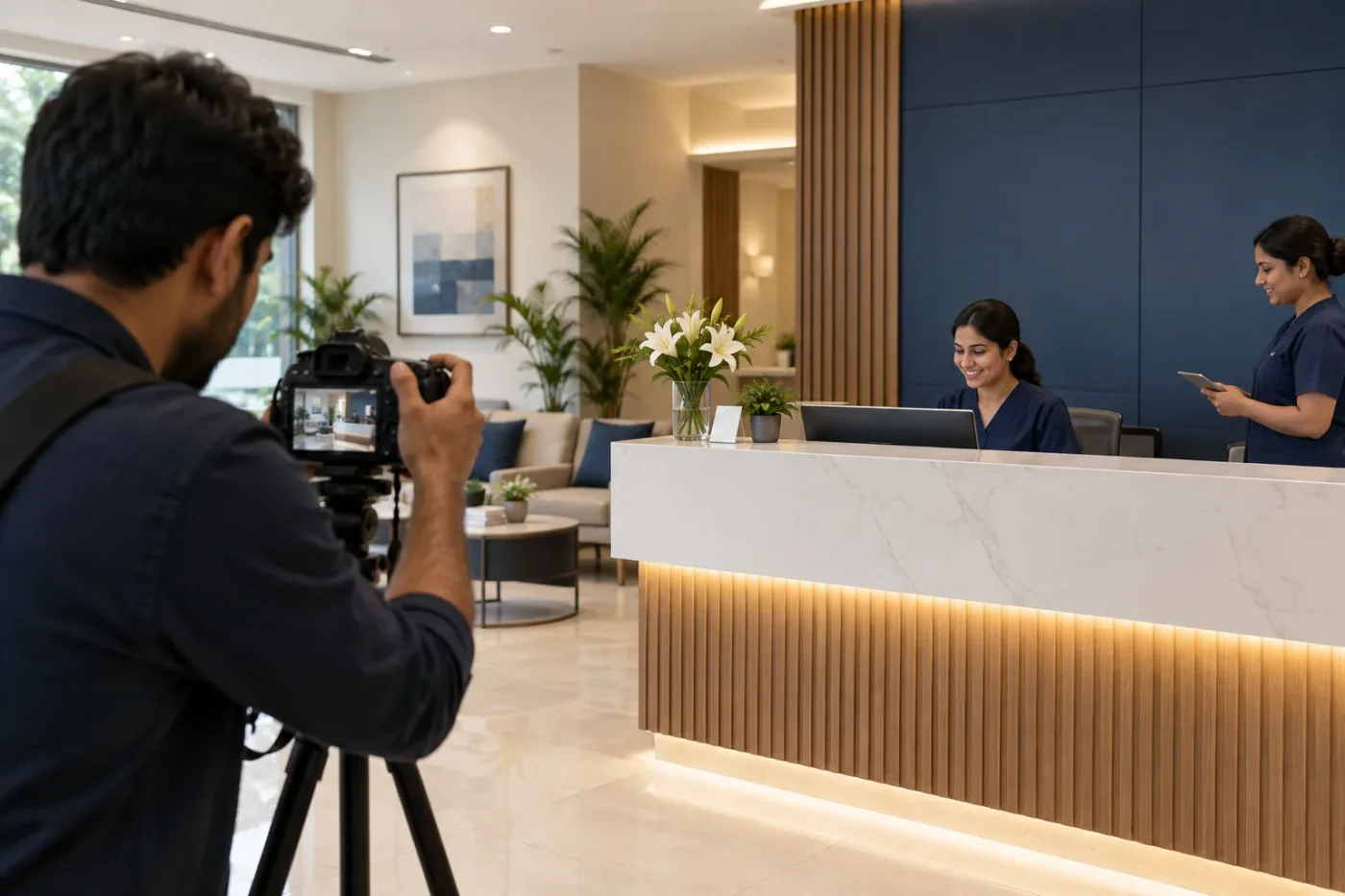
The WebP illustrations used within this article are website editorial assets, not a ready-to-upload Business Profile photo set. For a clinic's own profile, use genuine photographs of that practice and export them in a currently accepted format. Keep the original files so future crops and replacements remain possible without repeated quality loss.
Plan a short shot list
Prepare a list covering the exterior approach, entrance, reception, waiting area and appropriate interiors. Add staff photographs only when the people involved have agreed to the intended use and the practice has approved the representation.
Do not photograph everything simply because a camera is available. Some rooms may be unsuitable for public presentation, and some scenes reveal information in the background. Agree the purpose of each image before the shoot. A smaller set of useful, current photographs can communicate more clearly than a large unreviewed collection.
Photograph the entrance in ordinary conditions
Capture the approach a visitor is likely to see, with the entrance recognisable and the building shown honestly. Consider whether daylight, evening lighting or a shared lobby affects recognition during advertised consultation hours.
Avoid framing that hides the access route or makes an adjacent business appear to be part of the clinic. If temporary construction changes the entrance, decide whether the public collection needs a new image or a clearly explained update. The task is to reduce uncertainty, not to conceal inconvenient features through selective presentation.
Check the background before every exposure
Screens, appointment registers, prescriptions, certificates and visitor documents can disclose information unintentionally. Review the whole frame, including reflections and open doors. A tidy-looking desk can still contain a readable name or telephone number.
Arrange a suitable time for photography and keep people who have not agreed to appear out of the frame. Do not rely on a rushed crop to fix every issue later. Where a photograph requires permissions, the practice should keep the relevant records and confirm the intended publication channels before uploading it.
Keep editing faithful to the location
Adjusting exposure and framing can make a photograph easier to see. Editing should not add equipment, enlarge a room or create facilities the clinic does not have. An image that changes the physical setting may mislead visitors even if it looks convincing.
Use consistent colour without turning every surface unnaturally white. Check that signage and details remain readable where they matter. When several people edit the same collection, give them a shared brief so the final set still looks like one real practice rather than several unrelated interiors.
Choose distinct views instead of repeated angles
Compare the selected images as a set. If three views show the same reception counter without adding information, keep the clearest one and consider whether another useful area is missing.
Distinct images do not require a different room every time. A wider exterior view and a closer entrance view can serve separate purposes. The test is whether each picture helps the viewer recognise or understand something new. Do not fill the collection with repeated crops merely to increase the visible photo count.
Keep branch photographs separated
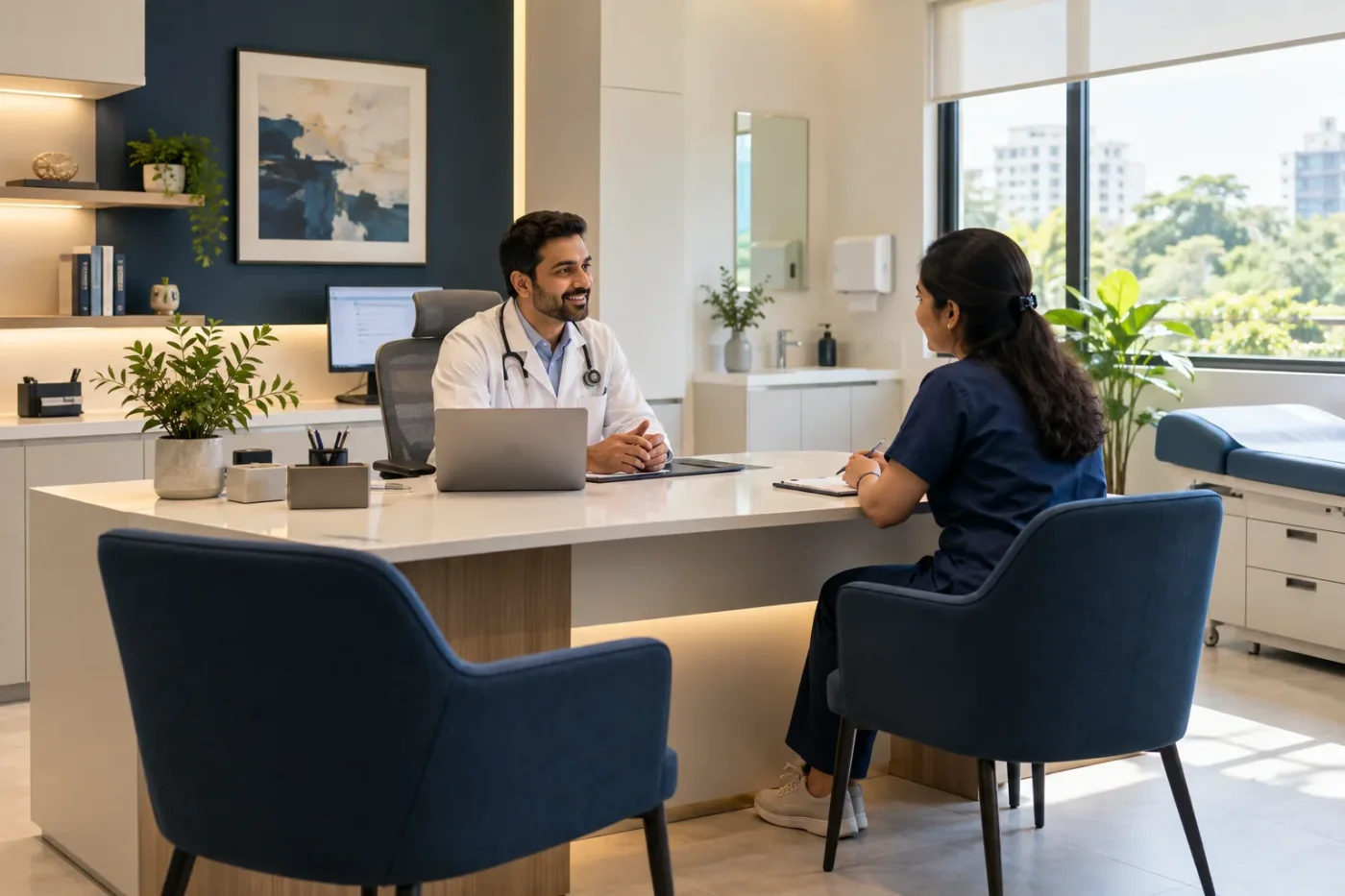
Use a folder and naming convention for each real location. Confirm the profile being edited before uploading. A correct photograph attached to the wrong branch can create exactly the uncertainty the collection was meant to remove.
When equipment, staff or interiors move between locations, verify which image remains accurate. Do not copy a more attractive branch's room photograph to another branch for consistency. The public visual record should follow the actual location, while the brand style can remain consistent through lighting and composition.
Review a fictional selection meeting
Consider a fictional clinic with twelve proposed images: six reception angles, two exterior views, two staff portraits and two consultation-room photographs. One exterior view shows an obsolete entrance, and a room photograph contains a visible appointment sheet.
The reviewer removes the obsolete view, reshoots the exposed document and selects fewer reception angles. The remaining collection has a clear purpose and accurately represents the location. This example describes editorial reasoning, not a claim that a particular photo count causes more appointments or higher visibility in Google results.
Record what was uploaded
Keep a basic register with the location, filename, date, purpose, permission status and upload destination. Retain the original and the final exported version. This helps staff identify which image needs replacing when the practice changes.
Review the public profile after uploading and allow for the platform's processing and review. Selecting a cover image does not guarantee that it will always be the first image shown. Focus on maintaining an accurate overall collection rather than assuming complete control over every display choice.
Turn the brief into a manageable assignment
Tell the photographer which visitor questions the images should answer, which rooms can be used and who approves the selection. Decide how originals, approved exports and permission records will be handed over to the practice.
Doctor Promotion's local SEO support can be discussed alongside the photo brief and the accuracy of the associated profile information. Use the contact page to describe the location and the gaps in its current visual presentation. Actual clinic photographs should remain distinct from illustrative website artwork.
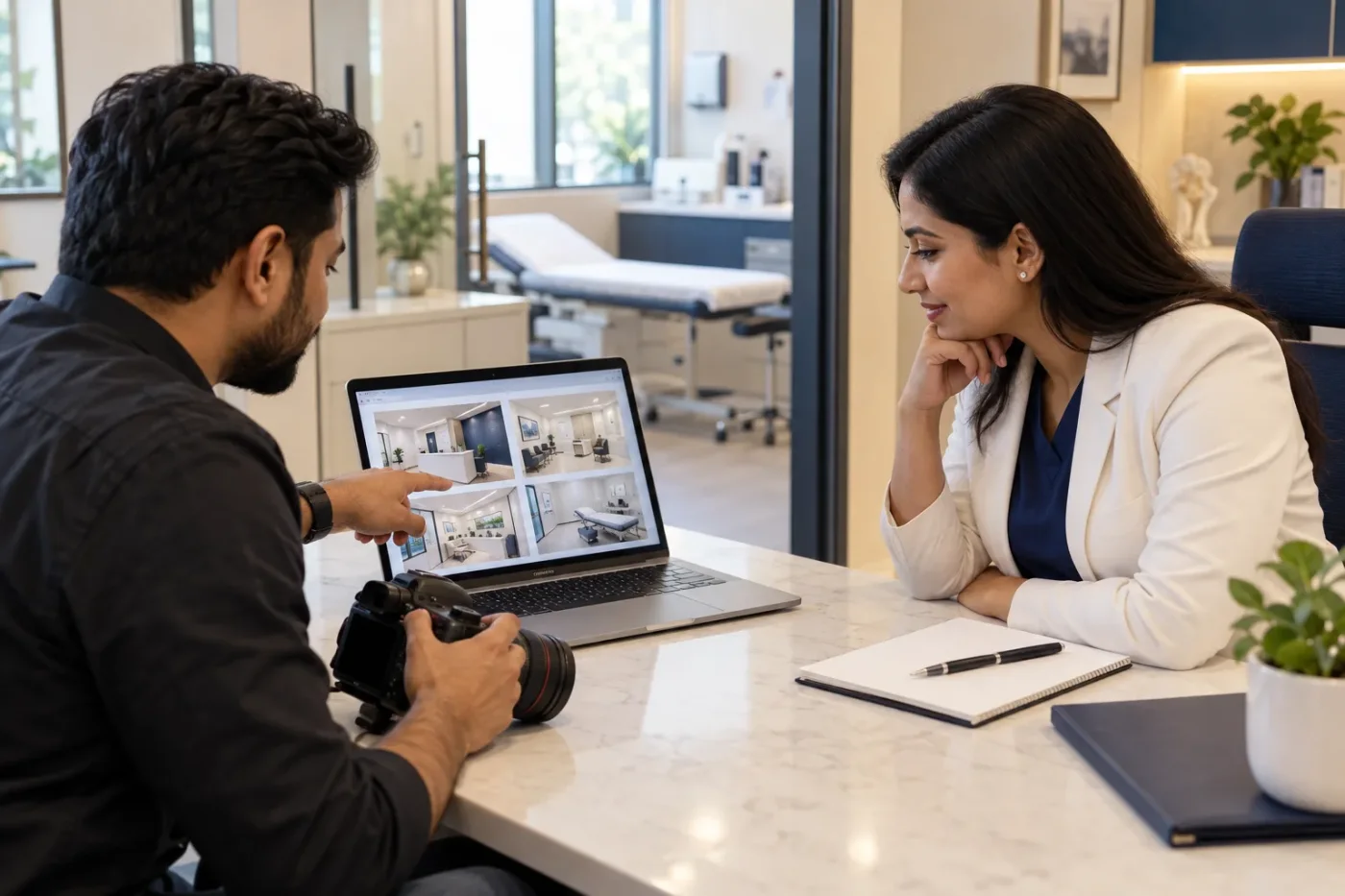
Before selecting final exports, lay the images out as small thumbnails and ask a colleague which visitor question each answers. Then inspect the chosen files at full size for background information and misleading details. A collection can look consistent at thumbnail size while containing an outdated sign or an exposed screen. Keep rejected versions separate from approved exports so that a future uploader does not accidentally select them. This gives the photographer a concrete handover task beyond supplying a folder of attractive pictures.
Frequently asked questions
Can generated pictures represent our clinic on the profile?
Use actual photographs for the real premises and facilities. Fictional editorial imagery does not establish what exists at the location and should not be passed off as a photograph of the practice.
Should the photographer include patients?
An empty room can communicate useful information without including visitors. If people are involved, the practice must assess suitability, permissions and applicable requirements before any public use. Do not treat attendance as permission to appear.
Does uploading more photographs guarantee rankings?
No. Choose pictures for accuracy and usefulness, and review them when the location changes. This guide provides no ranking formula or fixed upload quota. Search visibility depends on more than the number of pictures in a collection.