
Google Business Profile for multi-location clinics works best when each eligible branch is represented accurately and visitors can distinguish one location from another. A shared brand does not mean that every branch has the same hours, services, access arrangements or contact team. Those differences need to be clear before someone calls or travels.
This guide sets out an operational approach for clinic owners managing several locations: maintain a branch register, connect profiles to useful location pages and assign responsibility for updates. It is a planning framework, not a promise of map visibility or a substitute for checking Google's current eligibility rules.
Confirm what each location actually represents
Begin with the real-world structure. List physical branches, the names used on signage, addresses, public hours and how visitors contact each location. Separate an operating branch from a proposed location or an administrative address. Do not create profiles simply to target extra areas.
Google's business representation guidelines require accurate real-world representation and explain profile eligibility, including specific arrangements for practitioners and departments. Check those rules before creating additional profiles. A branch, individual practitioner and department should not be treated as interchangeable listing types.
Where an existing profile is disputed, duplicated or inaccessible, record the issue before making another one. Identify the owner account and follow the relevant support process. Creating a replacement without resolving the original can make ownership and information management harder.
Build a branch information register
Use one controlled register for facts that must remain consistent across the website and public profiles. Give each branch a stable internal identifier so similarly named locations are not mixed up during updates. The identifier is for your team; it does not need to appear in the public business name.
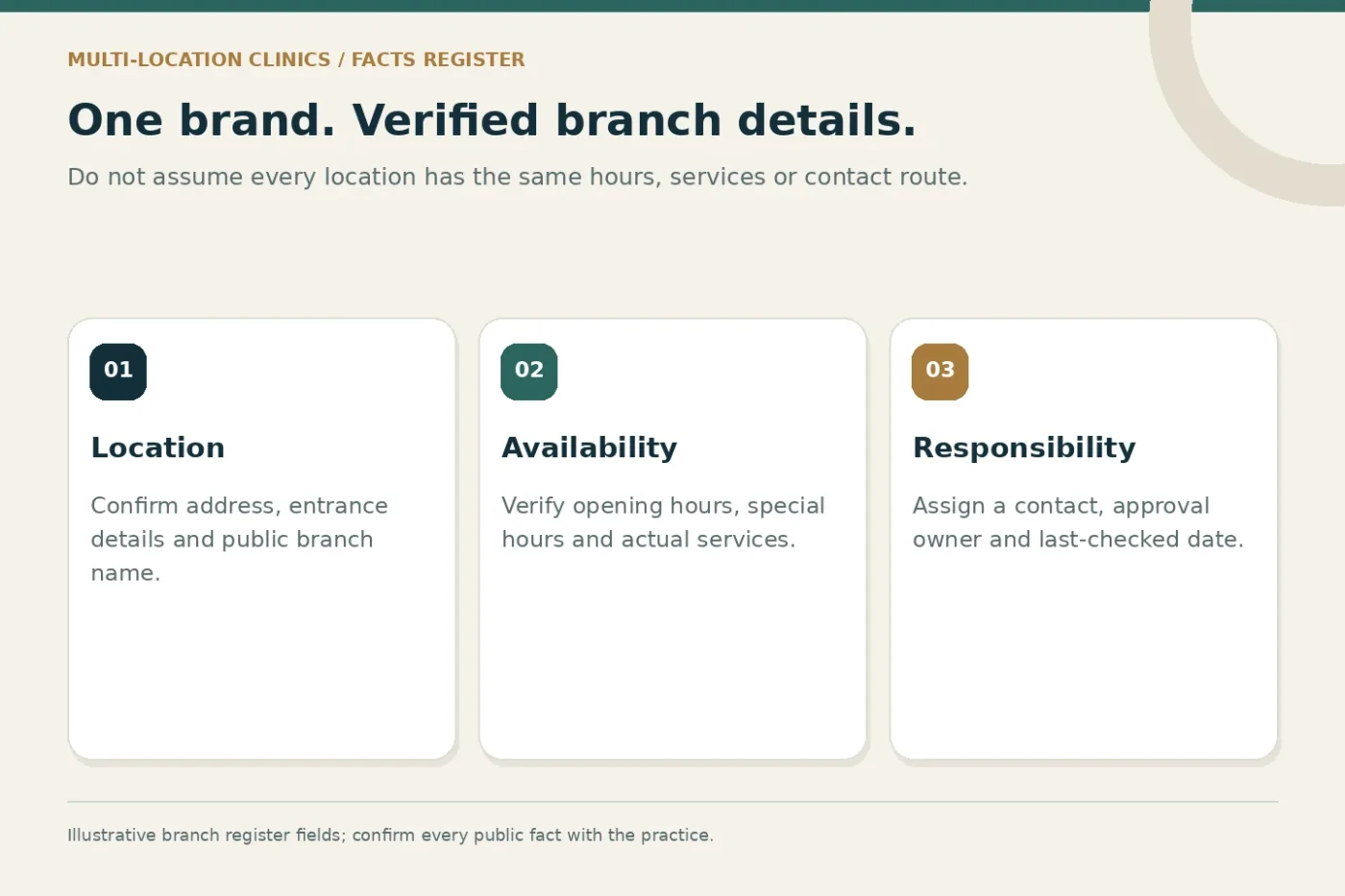
Useful fields include the verified address, map reference, telephone route, opening hours, special hours, available services, website destination and approval contact. Add a last-checked date and a note explaining the evidence used for any significant change.
Distinguish a permanent fact from a temporary arrangement. An unexpected closure, changed entrance or holiday timetable may need a time-limited update. Assign an expiry or recheck date so temporary notices do not become inaccurate long-term information.
Create location pages that help someone arrive
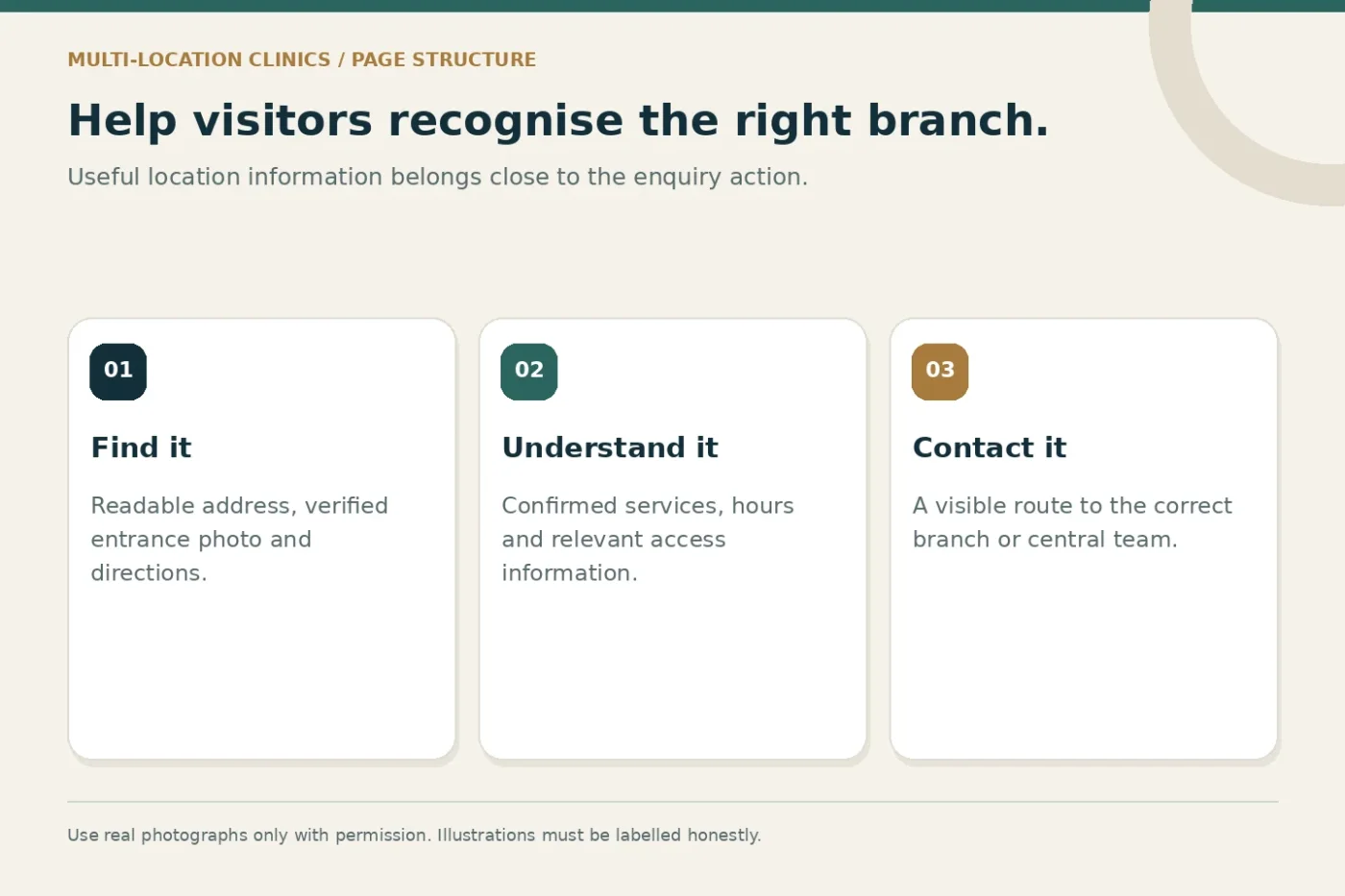
A location page should do more than repeat a city name. Explain the branch address, access details, confirmed services and appropriate enquiry route. Include practical information only when the team has checked it, such as parking arrangements or accessibility features.
Use a real entrance photograph if permission is available and the image still reflects the premises. Add a readable address in page text, not only inside an image. Check that the map and any directions link lead to the correct entrance rather than a similarly named building nearby.
Where services differ, say so plainly. A visitor should not have to infer that a service listed on the main website is unavailable at a particular branch. Link to relevant service explanations, then make the branch-specific next step easy to find.
Keep names, categories and descriptions factual
Use the business name recognised in the real world. Avoid adding promotional phrases or additional locations to the name merely to include more keywords. Choose categories according to the actual business and review them when the practice's offering changes.
A useful description summarises the branch without exaggeration. Explain what the practice offers and who can help with enquiries. Avoid unverified superlatives, borrowed credentials or claims that belong to a different branch. Have an authorised person approve the wording before publication.
Keep a separate change log for public facts and marketing copy. A correction to opening hours needs a faster path than a proposed brand message. This distinction helps staff act promptly while preserving an approval process for substantive changes.
Connect local search to a working contact journey
Inspect what happens after a visitor selects the website, calls or requests directions. Does the website destination describe that branch? Does the telephone route reach the right team? Are after-hours expectations clear? Visibility alone is not enough if the next step is confusing.
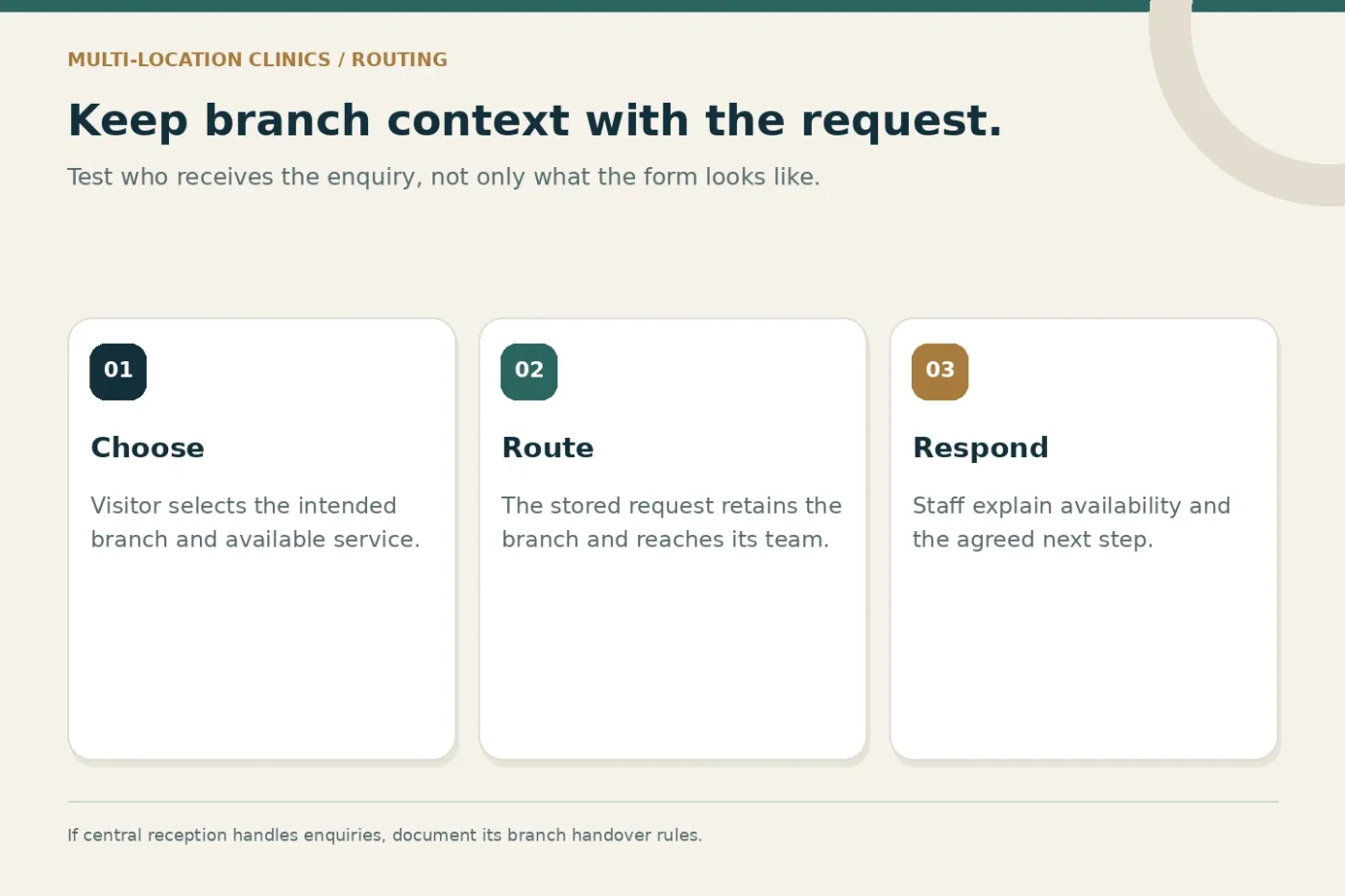
For a shared enquiry form, carry the selected branch into the stored record. If the visitor can choose another branch, make the change visible before submission. Test staff routing so a request does not sit with a team that cannot handle it.
If a central reception team answers for several branches, prepare a simple handover rule. Staff should be able to identify the requested location and explain the next step without inventing availability. An enquiry request should remain distinct from an appointment confirmed through the practice's process.
A branch update workflow
- Verify
Confirm the branch's real-world facts with its owner.
- Align
Match profile details and the relevant location page.
- Test
Check calls, directions and the branch enquiry route.
- Maintain
Log changes and recheck temporary information.
Manage photographs and reviews responsibly
Use images that accurately represent the location and have appropriate permission. Label illustrative material honestly. Avoid presenting a stock reception photograph as the clinic's premises or reusing another branch's photograph in a way that creates a false impression.
Create an approval route for public responses. Staff should know who can respond and when a sensitive issue needs private handling. A public review reply should not reveal private details or turn into a discussion of someone's individual circumstances.
For feedback requests, use a consistent process that does not depend on whether the person seems likely to leave praise. Discuss platform rules and the clinic's own communication standards before automating requests. The goal is a manageable, honest feedback process rather than a numerical target detached from service experience.
Measure branch activity without overclaiming
Google's local ranking guidance describes relevance, distance and prominence as factors in local results. Accurate information supports a useful profile, but no agency can remove geographic differences or guarantee a particular position for every searcher.
For your own reporting, separate profile interactions, website visits and enquiries recorded by staff. A directions request is an interaction, not proof that someone attended. A call click is not necessarily an answered call. Explain those definitions alongside the report.
Review differences between branches carefully. A new branch, a temporarily reduced timetable and a long-established location may not be comparable. Record operational changes and missing data before deciding that a marketing change caused an increase or decline.
An illustrative two-branch example
Imagine one clinic brand with a central branch and a second branch across the city. The central branch has longer weekday hours; the second opens on selected days. Their website currently sends both profile links to the homepage and displays only the central telephone number.
A practical improvement would be to verify both branch registers, create distinct location pages and test a branch-aware enquiry route. The second branch's page would explain its actual opening arrangement and contact expectations. Both pages could share the brand introduction while retaining useful local differences.
This example describes a proposed workflow, not a delivered project or an expected performance result. The final implementation would depend on profile eligibility, available content and the clinic's operating arrangements.
Common questions
Should every branch have identical website copy?
Shared brand facts can remain consistent, but branch pages should explain genuine differences. Do not invent local stories or service availability simply to make the pages appear unique.
Who should own profile access?
The practice should establish accountable access and recovery arrangements, with agency access appropriate to the agreed work. Document ownership and handover before the engagement ends.
For help defining the work, explore Google Business Profile management and hospital and multi-location SEO. Share your branch list to discuss a scope based on the locations you actually operate.