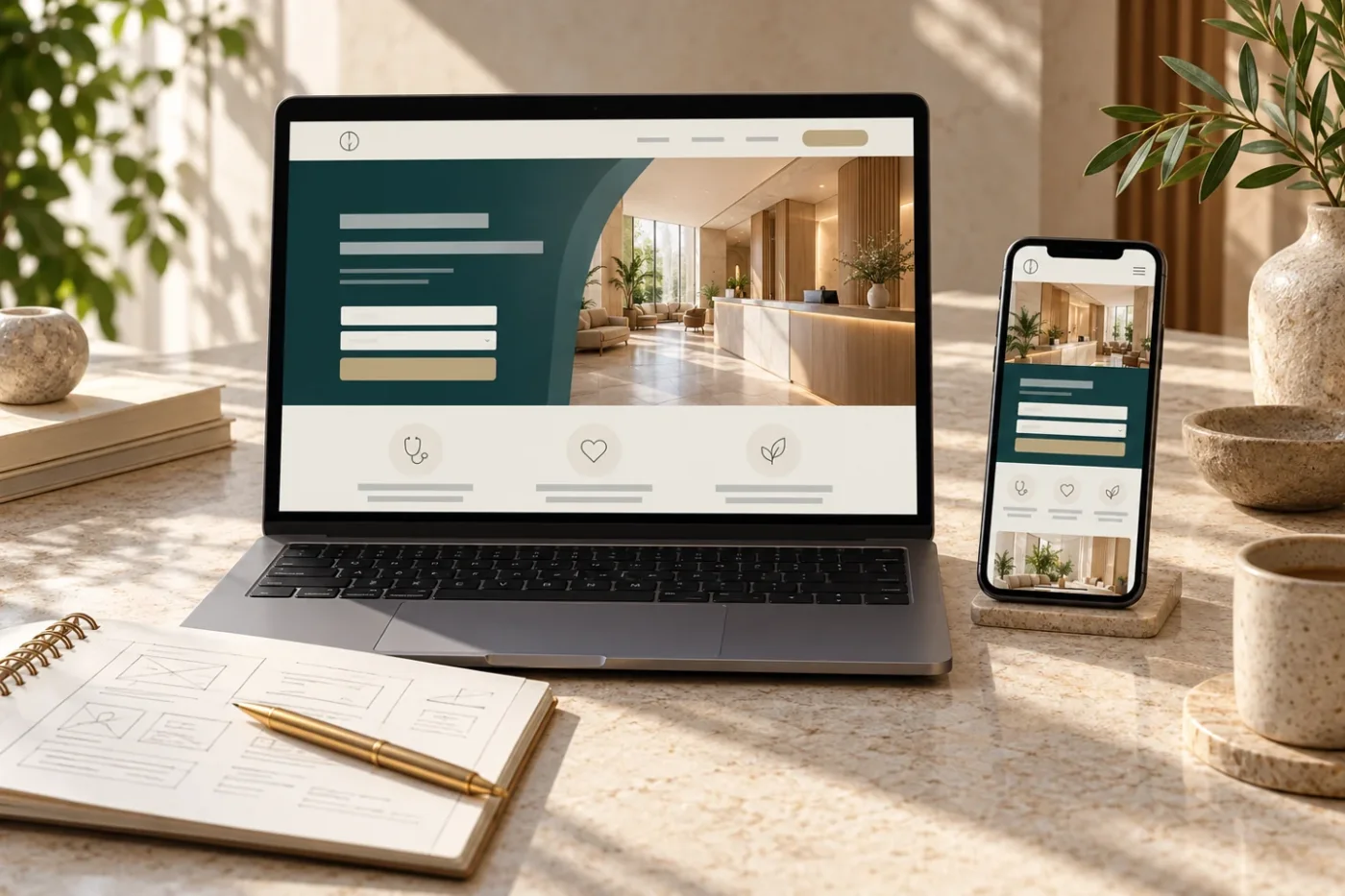
Google Ads landing pages for clinics should connect the promise in an advertisement with information a visitor can use. A relevant search click can become a confusing visit if it opens a general homepage, hides the branch details or offers a form without explaining what happens next. The page needs a clear purpose before advertising traffic arrives.
This guide explains how to brief and review a focused landing page. It covers message matching, evidence, mobile usability and enquiry handling. The examples are hypothetical design decisions, not client results, advertising eligibility advice or a guarantee of enquiries.
Match the page to a specific search intention
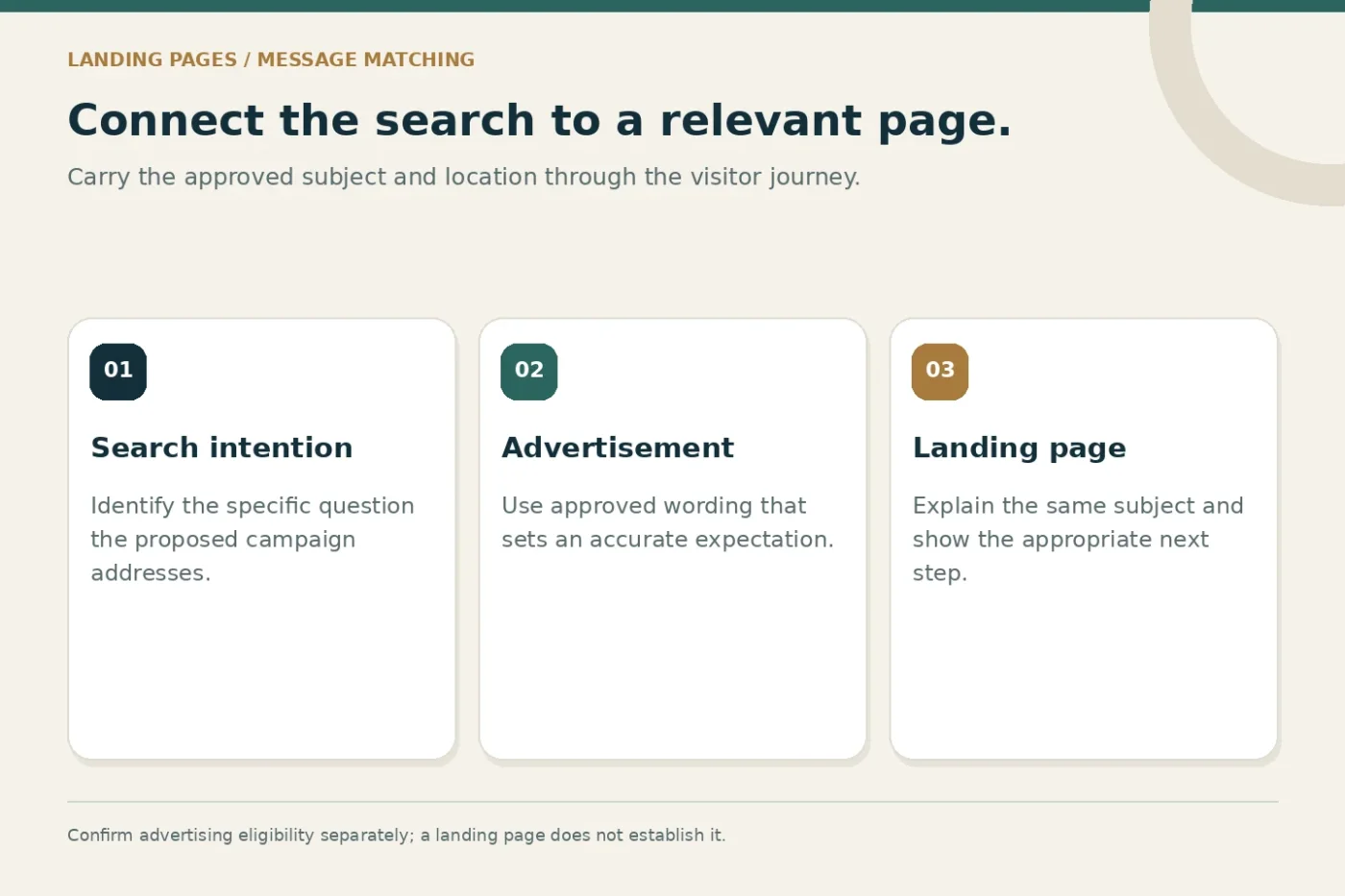
Start with the question the proposed campaign is trying to answer. Someone searching for a particular service in a particular location needs a relevant explanation, not a long catalogue of unrelated offerings. The advertisement and page should use consistent, approved descriptions of what the practice provides.
Write one sentence describing the intended page purpose. For example, explain an available service at a confirmed branch and invite an appropriate enquiry. If the page tries to promote several unrelated services simultaneously, consider whether the campaign needs a clearer structure.
Confirm platform eligibility and account restrictions before building the campaign around an assumption. Some advertising proposals may need changes or may not be suitable. A well-designed page does not by itself make every service, claim or targeting approach eligible for advertising.
Keep the opening screen informative
The first screen should identify the practice, introduce the relevant subject and make the next step understandable. It does not need to contain every detail. A short heading, useful introduction and clear enquiry action can establish context without crowding the mobile layout.
Avoid opening with an unexplained slogan or an oversized decorative image that pushes essential information far down the page. The visitor should not have to guess whether they reached the correct practice or branch. Use design hierarchy to prioritise the information needed first.
If the advertisement mentions a particular location or operating arrangement, retain that context. A page that changes the subject can create avoidable enquiries from people expecting something different. Review the ad text and opening page copy side by side before approval.
Explain the service with approved facts
Provide enough information for a visitor to understand the available service and the practice's process. Use plain headings and confirm specialist wording through the appropriate review route. Avoid turning the landing page into a collection of unverified benefits or broad claims.
Practical information can include the relevant branch, who handles enquiries and what the next administrative step involves. Show limitations where they affect the decision. Do not imply that submitting a form establishes suitability, availability or a confirmed appointment.
The page should also identify the practice accurately. Verified biographies and current facility information can be useful where relevant, but avoid adding every possible credential or service merely to make the page longer. Each section should support the intended visitor decision.
Choose evidence that belongs to the practice
Use genuine, permission-based material when describing actual people, premises or work. A real entrance image can help visitors recognise the location. An approved biography can identify a professional accurately. Neither should be replaced by a stock image presented as documentary evidence.
Where verified project or practice evidence is limited, explain the process honestly. A clear description of what happens after an enquiry is more useful than an invented testimonial. Keep illustrative imagery in a supporting role and avoid wording that assigns fictional people a real identity.
Check alternative text and mobile crops against the final assets. Essential wording should also be available as page text. An advertisement image containing all the useful information can become difficult to read when reduced to a narrow phone screen.
Build a form staff can actually use
Ask what the reception team needs for the next appropriate conversation. A general enquiry form may need a contact route, broad service interest and branch selection. Avoid gathering unnecessary sensitive detail simply because the form builder supports more fields.
The W3C forms tutorial describes clear labels, necessary information and useful validation feedback. Test those principles on the actual page. Check that errors are understandable, the selected service is retained and the confirmation message is accurate.
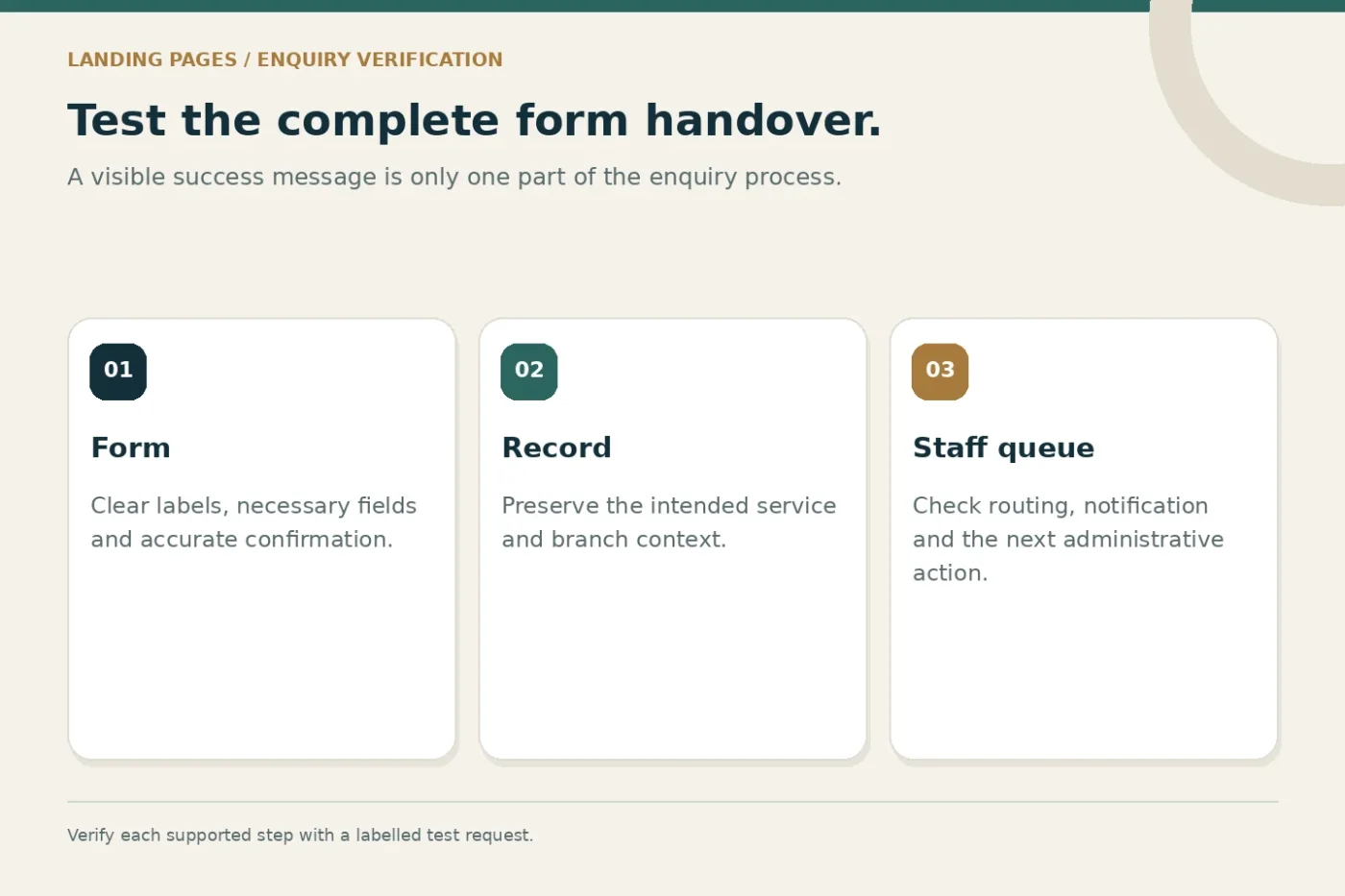
Test the record after submission. The visible success message, stored enquiry, staff notification and customer acknowledgement are separate parts of the journey. Confirm each supported part rather than assuming that a successful screen means all downstream tasks worked.
A landing-page review framework
- Match
Align the advertisement, search intention and opening message.
- Explain
Present approved facts, relevant evidence and branch details.
- Enable
Make the mobile enquiry action understandable and usable.
- Verify
Test the stored request, staff routing and measurement.
Check mobile layout and loading behaviour
Review the page at a narrow width with real content, not only an empty template. Confirm that headings wrap naturally, buttons remain usable and no fixed element covers the form or confirmation message. Avoid horizontal scrolling caused by oversized images or embedded content.
Keep image dimensions appropriate to their display and use the site's supported responsive delivery. Below-the-fold images may suit lazy loading, while the opening visual needs a deliberate loading strategy. A file format alone does not establish that the page is fast.
Test important links and forms on more than one device when possible. A design review should include the complete journey, including any external destination. Record unresolved limitations so launch approval is based on observed behaviour rather than a desktop screenshot.
Use platform diagnostics without confusing them with outcomes
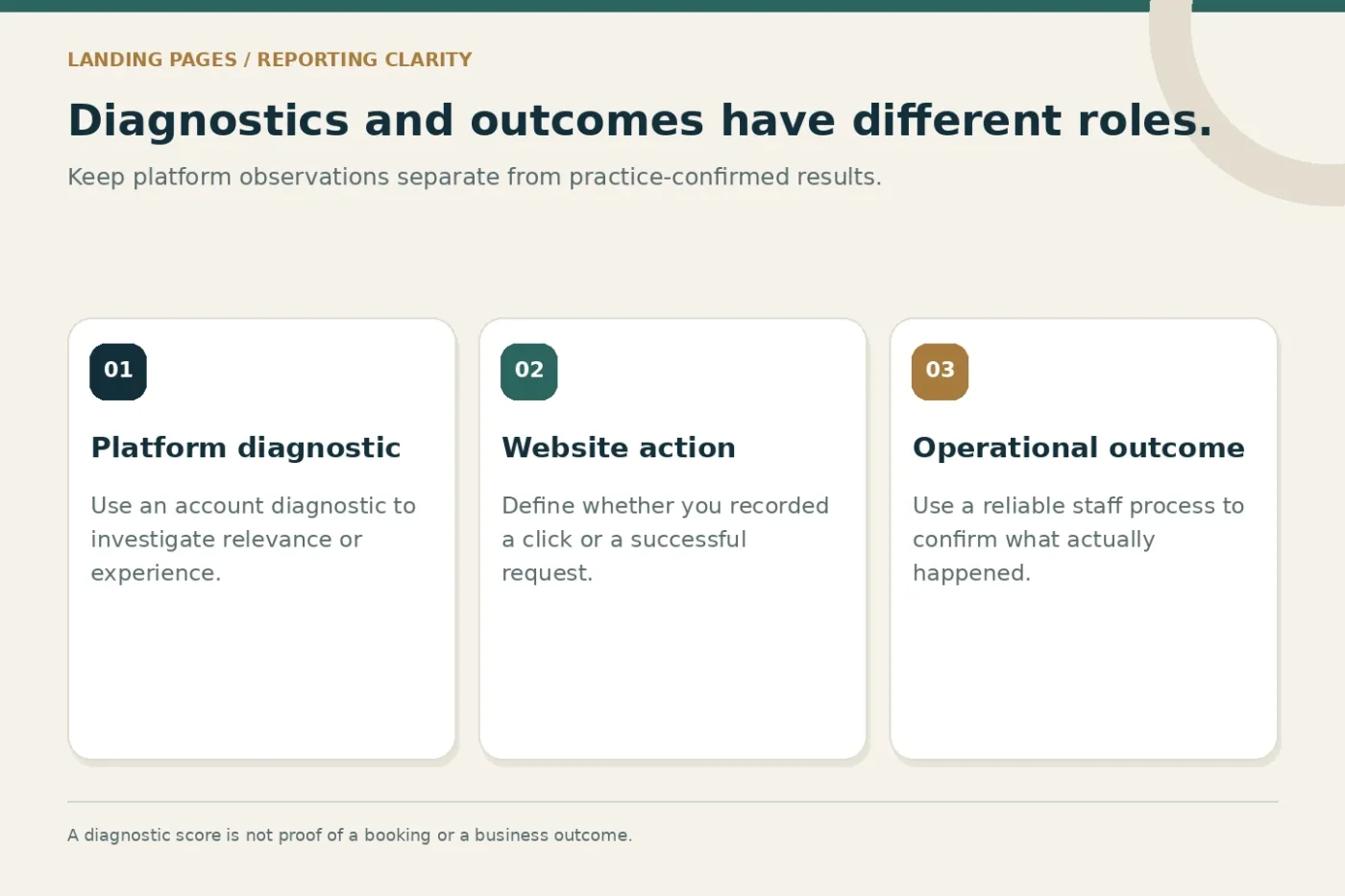
Google describes Quality Score as a diagnostic tool and identifies landing-page experience among its components. The documentation also distinguishes that score from a business performance indicator. Use the diagnostic to investigate experience problems rather than treating the score itself as the campaign's objective.
Define the outcomes your own team will report. A button click, submitted request and staff-assessed enquiry are different events. Give each a clear collection method and explain missing data. Do not claim that a page change caused more bookings unless the evidence supports that conclusion.
A focused page can make the journey easier to understand, but campaign results also depend on the offer, advertising setup, competition and operational follow-up. Keep those influences visible when reviewing performance and deciding the next change.
An illustrative page brief
Imagine a fictional clinic promoting an available service at one branch. Its existing advertisement sends visitors to a homepage listing every department. Staff report that some enquiries relate to another location and others ask about an unavailable service.
A practical page brief would retain the advertised subject, show the correct branch, explain the available service and carry the selected context into the enquiry record. The first test would check whether visitors and staff encounter the same information throughout that route.
This is a planning example, not a prediction of conversion improvement. The team would need to review real enquiry reasons and technical behaviour after launch. Fix a clear mismatch first, then define a separate test if further changes are proposed.
Agree the development and campaign responsibilities
Specify who supplies approved copy, who builds the page and who configures tracking and staff routing. Clarify hosting, software and external integration costs. A page design quote should not silently be assumed to include campaign management or reception services.
Discuss healthcare landing page design alongside Google Search Ads for doctors and clinics. Confirm the deliverables, review stages and supported measurement in the written proposal before traffic is directed to the page.
Common questions
Can we use the homepage instead?
Sometimes, if it answers the intended question and provides a coherent next step. Review the actual journey rather than assuming every campaign needs a new standalone page.
Should we remove every navigation link?
Make important information accessible and keep the main action clear. Do not hide identity, policies or useful context simply to reduce the number of choices.
Share your proposed advertisement and destination page to discuss the practical gaps before launch.