
Duplicate enquiries in a clinic CRM can make a busy reception team look busier than it really is. One person may submit a website form, send a message and call again, while an integration may also retry delivery. Without clear rules, staff can contact the same person twice and reports can overstate new demand.
This guide explains a practical prevention and reconciliation process for clinic owners. The aim is to preserve the history of a request while giving staff a usable working record. It is an operational planning guide, not a recommendation to combine records automatically whenever a telephone number matches.
Distinguish a duplicate from a new request
A duplicate is an additional record of the same request. A new request is a separate piece of work, even if it comes from someone already known to the practice. This distinction matters when a person contacts a different branch or asks about a different available service.
Write examples with the reception team. A repeated form sent within a few minutes may be accidental. A message asking for an update may belong to the existing request. A later enquiry about another service may need a new request linked to the same contact, rather than being discarded.
Avoid using one field as proof of identity. Family members may share a telephone number or email account, and staff may correct a typo after the first submission. An uncertain match needs review. A false merge can create more confusion than leaving two records temporarily separate.
Separate contacts, requests and activity history
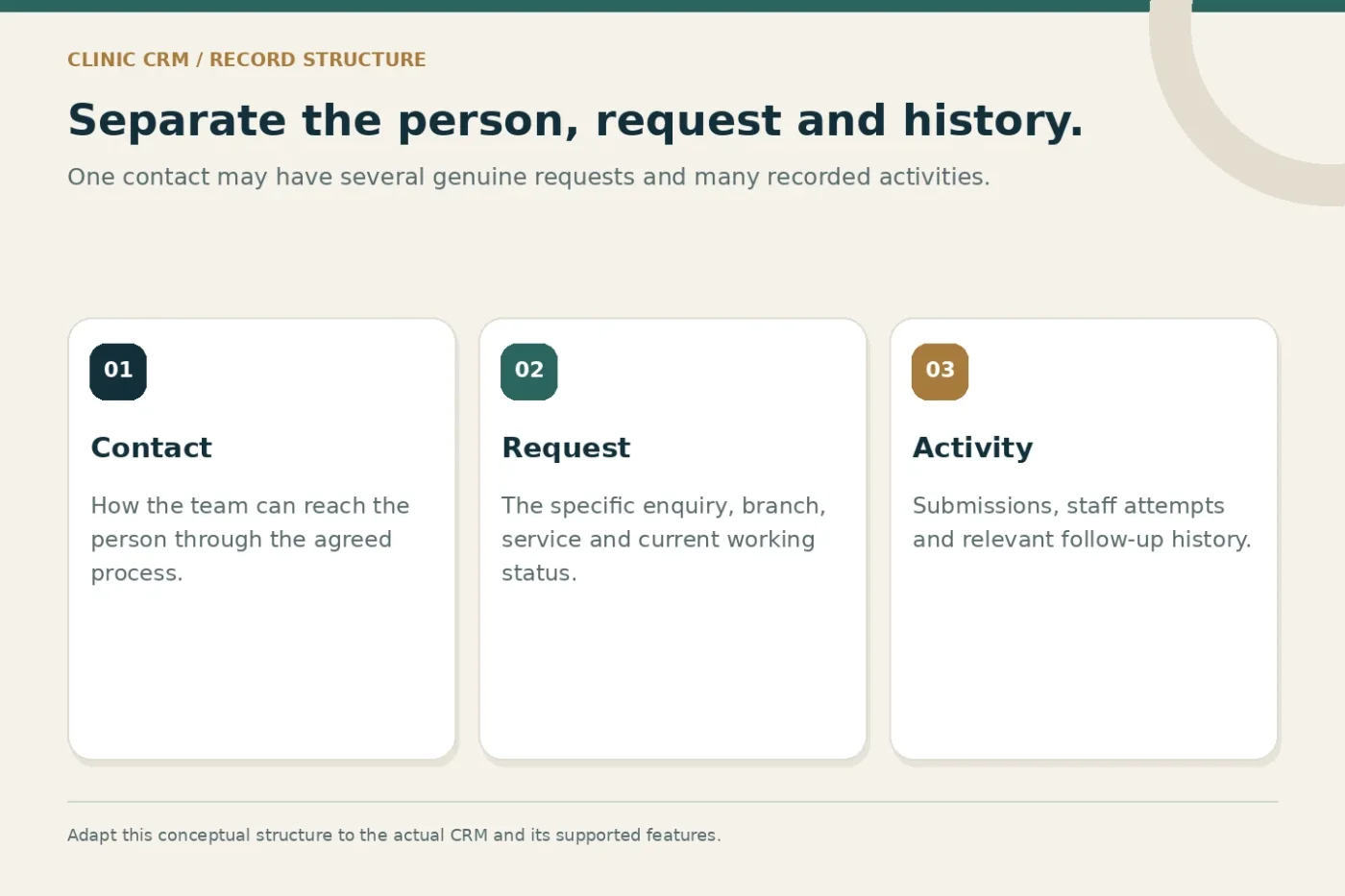
A contact record describes how the practice can reach someone. A request records what they asked for and how it is progressing. Activities record events such as a submission, staff attempt or message. These concepts can remain distinct even in a modest system.
That structure allows one contact to have several genuine requests without inflating the number of unique contacts. It also allows repeated activity to remain visible without creating a fresh request every time. Ask the developer or CRM provider to explain how the chosen tool represents each concept.
Do not force an existing system into a structure it cannot support safely. If the CRM has only a single record type, document the limitations and agree a workable status and note convention. The design should match the actual tool and staff capacity.
Find where extra records enter the workflow
Map each source: website forms, advertising integrations, manually entered calls, messaging and imported spreadsheets. Identify which system creates the first record and which later systems receive a copy. Include any retry or scheduled synchronisation process.
For each route, ask whether a submission has a stable source identifier. A provider event or form submission reference can help recognise the same delivery arriving again. Keep that technical identifier separate from a person's contact details and from the human-readable request number.
Review manual work too. If staff cannot find a recent submission quickly, they may create another record. Better search, a clear branch filter and visible recent activity can reduce that problem without introducing complicated matching rules.
Agree matching rules with a review path
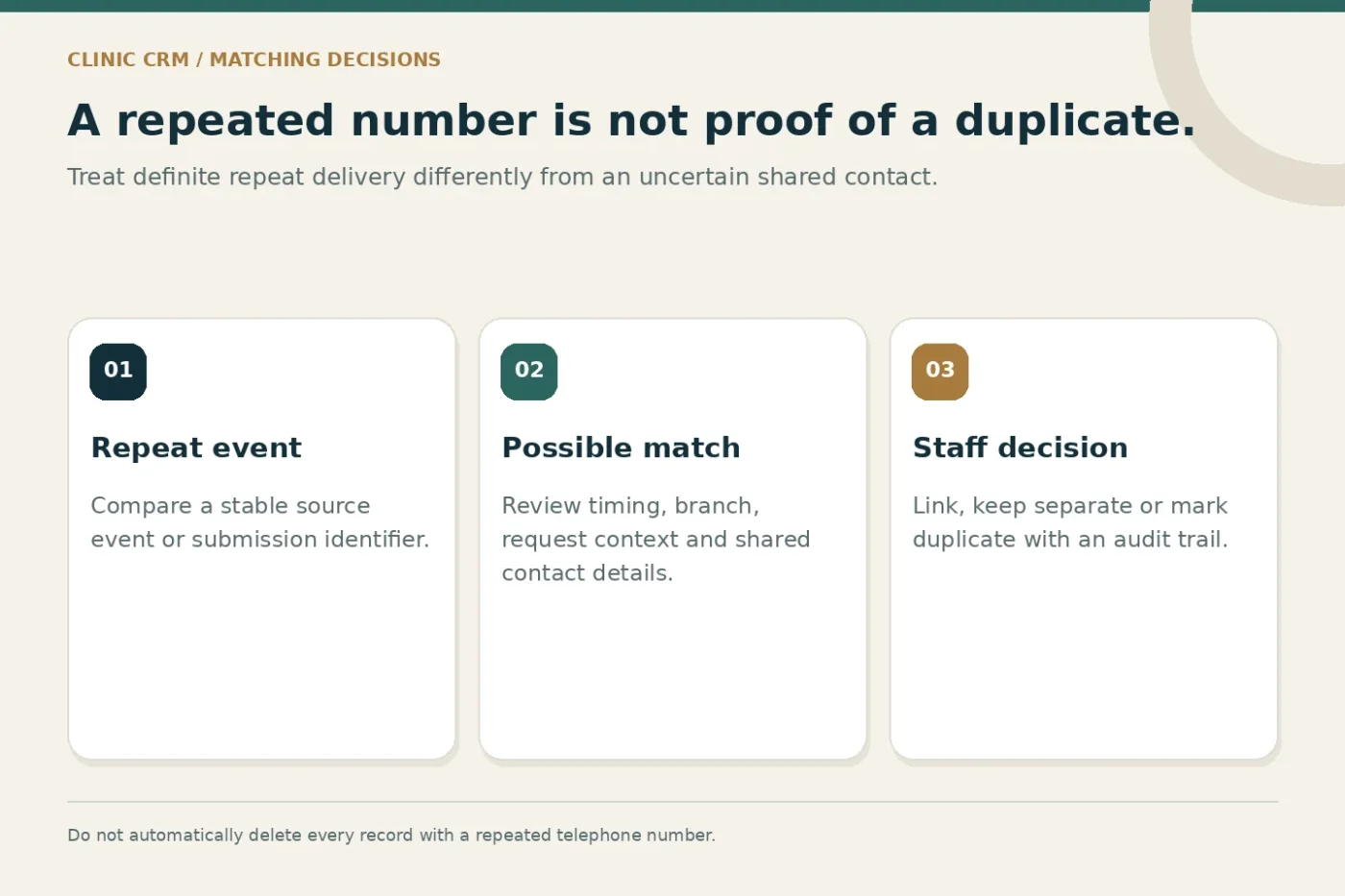
Create separate rules for definite repeats and possible matches. Receiving the same provider event identifier twice is a different situation from finding two people with the same telephone number. The first may be a delivery repeat; the second requires context.
For possible matches, show the fields needed for a decision: request date, source, branch, service interest and existing activity. Limit access to appropriate staff. Keep private information out of broad marketing reports and avoid copying unnecessary details into integration logs.
Document the review action. Staff may link the records, keep them separate or mark one as a confirmed duplicate. Record who made the decision and why. Where a merge is supported, confirm what happens to attachments, timestamps, permissions and historical notes before using it.
Preserve source history when reconciling
A useful reconciliation keeps the original events traceable. If a website request is followed by a message, preserve both source events while identifying the request staff should work on. Do not silently rewrite the original source to whichever channel was viewed last.
Choose a reporting convention for first recorded source and subsequent touchpoints. The appropriate design depends on the systems and available data; it should be explicit. A single source label cannot describe every interaction in a longer conversation.
If imported records lack reliable timestamps or source details, mark that uncertainty. Inventing a source to complete a dashboard creates a misleading history. A smaller report with clear limitations is more useful than a complete-looking report built from assumptions.
A reconciliation workflow
- Capture
Retain a source reference and the original request details.
- Compare
Separate repeat delivery from a possible shared contact.
- Review
Let authorised staff resolve uncertain matches.
- Preserve
Keep activity history and report unique requests clearly.
Test the rules with safe sample records
Prepare labelled test cases rather than experimenting with live records. Include an identical delivery repeated twice, a corrected telephone number, two different people sharing a number and a returning contact with a genuinely new request. Include a case where two branches receive related messages.
Agree the expected result for every case before running it. Check the staff view, notification behaviour and reporting output. A system that creates one working record but sends two staff alerts may still cause duplicated effort, so test more than the database count.
If forms are part of the workflow, check clear labels and success feedback using the W3C forms guidance. A visitor who cannot tell whether a request succeeded may submit again. Usability and data handling should be reviewed together.
Report volume at the right level
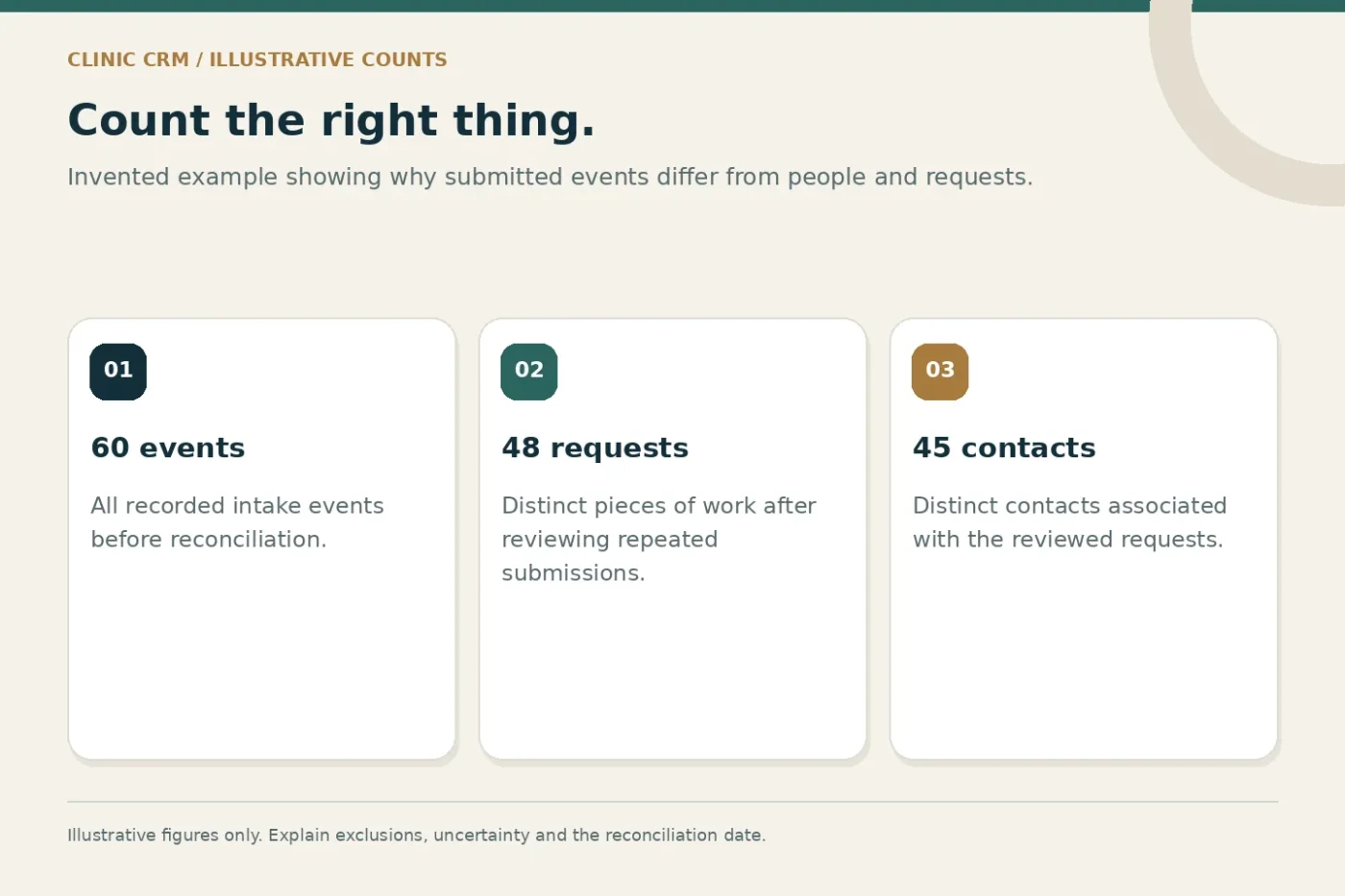
Show submitted events, unique requests and unique contacts separately when the system supports those distinctions. Explain how confirmed duplicates and test entries are excluded. Keep the reconciliation date visible because a report may change after staff resolve uncertain matches.
For example, imagine 60 submitted events that resolve into 48 requests across 45 contacts. Those are three different counts. They do not imply 60 prospective new customers, and the difference does not automatically mean a campaign is failing. This is an illustrative calculation, not a clinic benchmark.
Google Analytics lists recommended lead events, including events for generating and qualifying leads. Those event names do not replace CRM reconciliation. Define the relationship between website events and operational records before comparing their totals.
Build an operating routine, not a one-time cleanup
Assign responsibility for the unresolved match queue. Decide how often it is reviewed and how staff escalate an unclear case. Keep a small sample audit so repeated mistakes can inform better rules, training or form design.
Define retention and access arrangements with the practice and relevant advisers. Staff should understand what information belongs in a general enquiry record and what requires a separate appropriate system. Avoid turning a marketing CRM into an unrestricted store of sensitive detail.
Discuss CRM data cleanup and migration for an existing backlog, and a workflow automation audit for repeated intake problems. The agreed scope should distinguish cleanup, rule configuration, integration changes and ongoing review.
Common questions
Can we delete every record with a repeated number?
No. A shared number can belong to different people or separate legitimate requests. Use context and a review process rather than a blanket deletion rule.
Will deduplication make every report match exactly?
Not necessarily. Systems may measure different events, use different time windows or receive incomplete data. Explain those differences instead of forcing totals to agree.
Share your current enquiry sources and CRM workflow to discuss a practical reconciliation scope. Start with the intake problem that creates the most staff confusion.