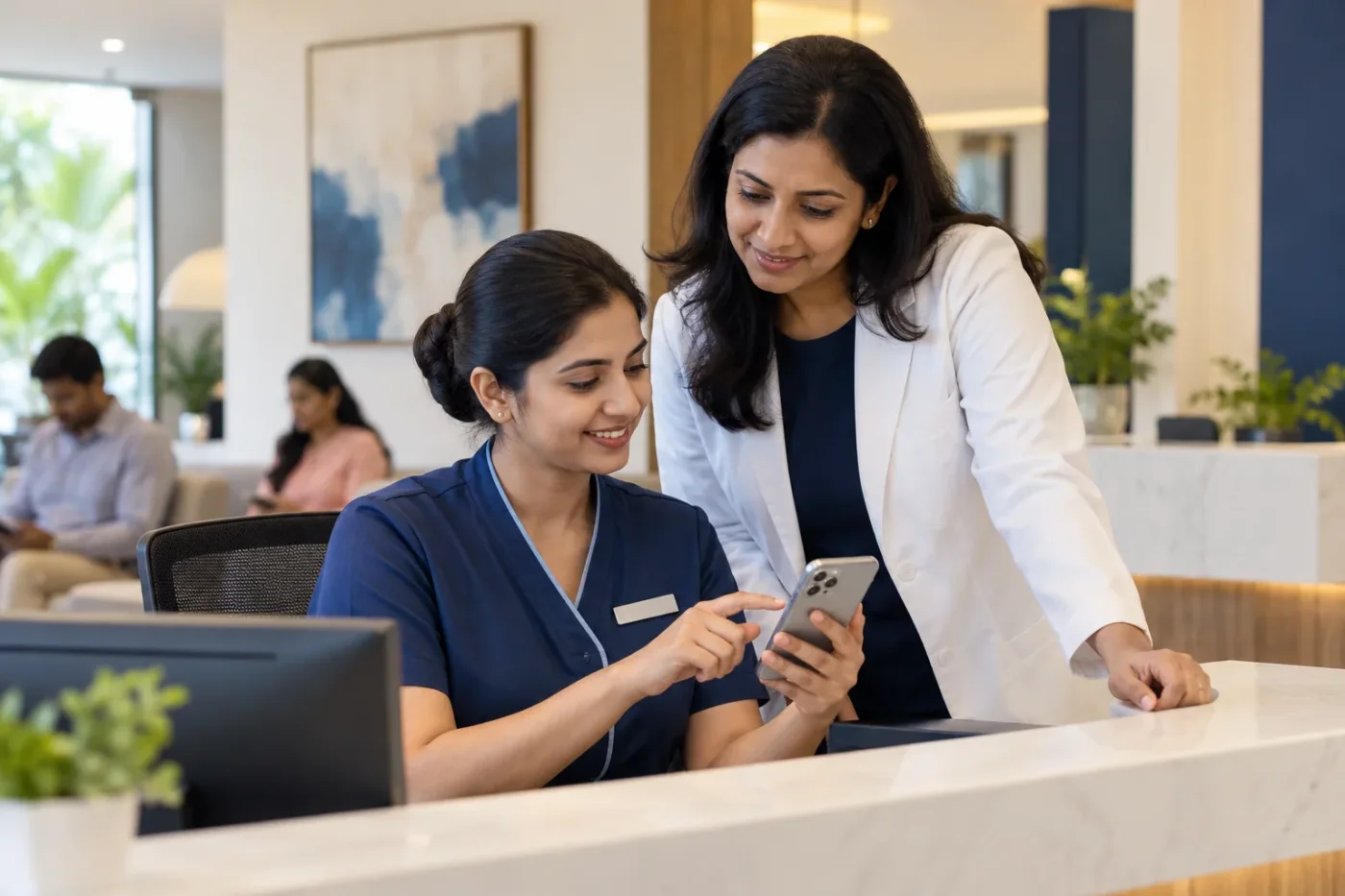
Clinic WhatsApp quick replies can help reception answer recurring administrative questions without rewriting the same information each time. Their value comes from accurate, maintainable wording and staff judgement. A saved message becomes unhelpful when it is selected for the wrong question or continues sharing an old number after the practice changes its arrangements.
This guide focuses on the saved-response library, not a complete enquiry follow-up process or an appointment reminder campaign. Doctor Promotion can help organise the wording and ownership while the practice confirms appropriate use of the chosen product, communication permissions and the boundaries of what reception can answer.
Inventory recurring administrative questions
Ask reception which questions it answers repeatedly: location, opening hours, how to request a visit or where to send an administrative query. Use suitable summaries rather than copying private conversations into a broadly shared planning document.
Group questions by the action staff need to take. Do not create a separate template for every small wording difference. A useful library should help the receptionist identify the right information quickly while preserving enough context to recognise when a saved reply does not fit the person's actual request.
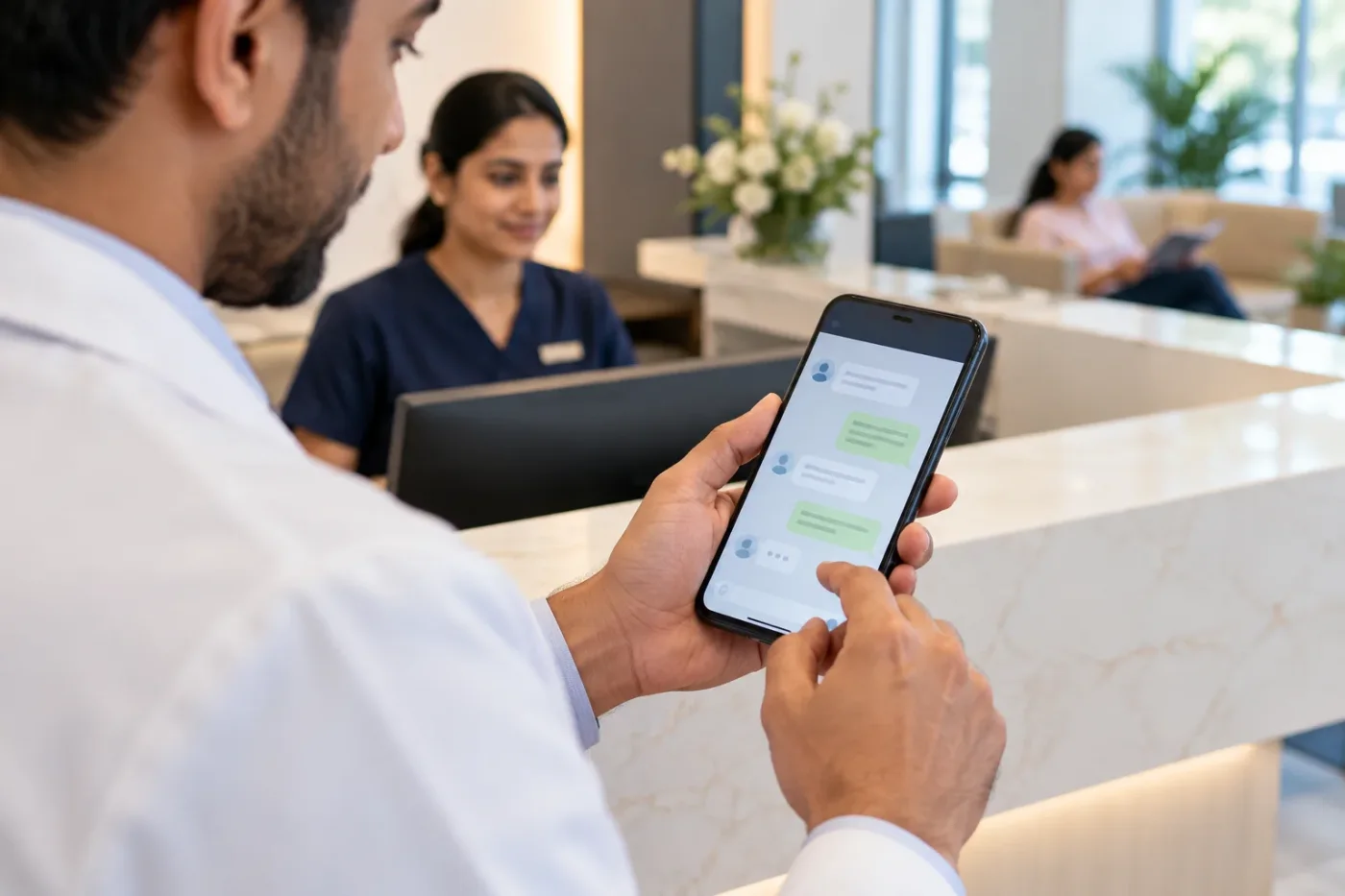
Check the current product and policy context
Confirm which WhatsApp product the practice uses and what features and rules apply to it. A saved reply, an automated sequence and a campaign are not necessarily the same operation. Do not assume guidance for one setup authorises every other use.
Review the current WhatsApp Business messaging policy and relevant product guidance with the responsible team. This article concerns administrative writing and does not certify a particular healthcare messaging implementation as suitable. Keep the actual service context and information-handling requirements visible before activating automation or expanding a communication programme.
Build each reply around one job
Identify the question the reply answers and the next step, if any. A location response should provide the relevant branch information rather than append every service and promotional offer. Keep the message short enough to use comfortably on a phone.
Do not omit a qualification needed for accuracy simply to save space. If reception must confirm availability, say so. A saved reply should make the real process easier to explain, not transform an appointment request into a booking confirmation because the shorter phrase sounds more reassuring.
Use clear internal labels
Name replies so authorised staff can distinguish them quickly. A label should describe the purpose and branch where relevant. Avoid a set of nearly identical names that require opening several messages before finding the correct one.
Keep internal shortcuts separate from public wording. The recipient does not need to see an administrative code or production note. Test how the actual tool inserts the response and whether optional fields remain visible. Staff should review the message before sending rather than assuming a successful insertion means the content fits the conversation.

Keep branch facts in a maintained source
Use an approved record for addresses, contact routes and consultation information. If several branches share a library, make differences explicit. A correct message for one location can be misleading when sent to someone asking about another.
Assign an owner to update replies when facts change. Editing the website alone does not necessarily change wording stored on a handset or in a team tool. Keep an inventory of where the active messages live so the practice can identify which copies need attention after an operational update.
Define where saved wording should stop
Reception needs a route for questions beyond routine administration. Do not create quick replies that appear to provide an individual clinical assessment or determine suitability from a brief message. The practice should approve the appropriate professional process for those situations.
Give staff a clear way to recognise an exception and seek help. A template can explain an approved contact route without implying a guaranteed personal response from a named doctor. Keep the wording honest about the next step and avoid inviting sensitive details into a channel or workflow not intended to handle them.
Avoid unnecessary personalisation
A greeting can be adapted naturally without adding unsupported assumptions about the sender. Test any placeholders and confirm how staff fill them. An unedited field can make a message confusing or expose an internal instruction.
Do not infer that two conversations belong to the same person solely because a number appears familiar. Use the practice's approved identification process where relevant. Saved wording should reduce repetitive typing, not encourage staff to skip the contextual checks needed before sharing information about an existing request or appointment.

Train staff to choose rather than paste blindly
Use fictional examples that resemble routine work. Ask the trainee which reply, if any, fits and what they would check before sending it. Include a case where the correct answer is to seek a supervisor rather than select the closest available template.
Observe the next step as well as the wording. A message can be accurate while the task still needs assignment or confirmation elsewhere. The library should sit within an understandable working process, rather than becoming a collection of convenient phrases disconnected from what reception actually needs to do.
Consider an illustrative branch mistake
Imagine a fictional practice has two locations and one saved directions message. A receptionist sends it to someone whose request concerns the other branch. The message contains no obvious typo, but it directs the person to the wrong place.
The team creates clearly labelled branch versions and rehearses how staff select them. It also checks the public information that identifies the intended branch. This example describes a maintenance and selection problem, not a claim that any particular messaging feature guarantees better service or more appointments.
Review usefulness from real patterns
Look for recurring questions the library does not answer and templates that staff frequently need to rewrite. Use appropriate summaries and controlled access rather than moving private conversation histories into general reports.
Retire obsolete messages deliberately and record important updates. A larger library is not necessarily better; too many similar replies can make selection slower and less reliable. The useful measure is whether staff can find accurate wording for the actual task and recognise when the situation requires a different response.
Scope a practical reply-library project
Provide the approved facts, branch arrangements, common administrative questions and escalation boundaries. Agree who writes, reviews, installs and maintains the active replies. Confirm product-specific setup work separately from the copywriting task.
Doctor Promotion's communication support can be discussed around those requirements. Use the contact page to describe your current messaging setup and recurring questions. A useful deliverable is a maintainable library with clear ownership and staff guidance, not simply a long list of scripts copied from unrelated practices.
Frequently asked questions
Should quick replies be sent without reading the conversation?
No. Staff should check the actual request, branch and relevant context. A saved message is a writing aid, not a substitute for judgement or the practice's approved working process.
Can saved wording include individual clinical advice?
The practice must define appropriate professional boundaries and review routes. Do not ask reception to use a template as a substitute for individual assessment or to imply suitability from limited information.
How many replies should the library contain?
Use enough to cover recurring tasks clearly, without unnecessary duplicates. Review actual use and retire outdated versions. An understandable set is more useful than a large catalogue staff cannot navigate reliably.