
Clinic website redesign should begin with a decision about what already works. A new colour palette cannot rescue missing service information, a broken enquiry form or an old page that disappears without a replacement. For a doctor or clinic owner, the useful question is: what will visitors understand and complete more easily after the redesign?
This guide explains a practical way to plan the work: keep valuable material, improve confusing journeys and map any changing URLs. The aim is a website your team can maintain and visitors can use confidently. Examples below are illustrative planning scenarios, not client results or promises of search performance.
Start with the reason for the clinic website redesign
Write down the problem before selecting a design. Perhaps visitors cannot find the right branch, doctor profiles are outdated, or the mobile enquiry form asks too many questions. Each problem needs a different response. A crowded menu may need restructuring; inaccurate timings need an ownership process as well as new copy.
Choose a small set of acceptance criteria. For example: visitors can find the correct location from every service page; all displayed credentials have been verified; and an enquiry reaches the right staff member. These criteria give the owner and agency something concrete to inspect before launch.
Avoid treating every requested feature as equally urgent. A decorative animation may be pleasant, but a visible contact route and a functioning form usually deserve earlier attention. Record optional ideas separately so the first release has a clear boundary.
Inventory existing pages before removing anything
Create a page register with the current URL, page purpose, owner, content status and proposed action. Include service pages, doctor biographies, location pages, articles, policies and thank-you screens. Check navigation links and any important pages shared in emails or printed material.
Review available Search Console and analytics information alongside staff knowledge. A page with few recorded visits may still be important for an existing referral or a specific service. Missing measurement is also possible. Make removal decisions from several signals rather than a single traffic column.
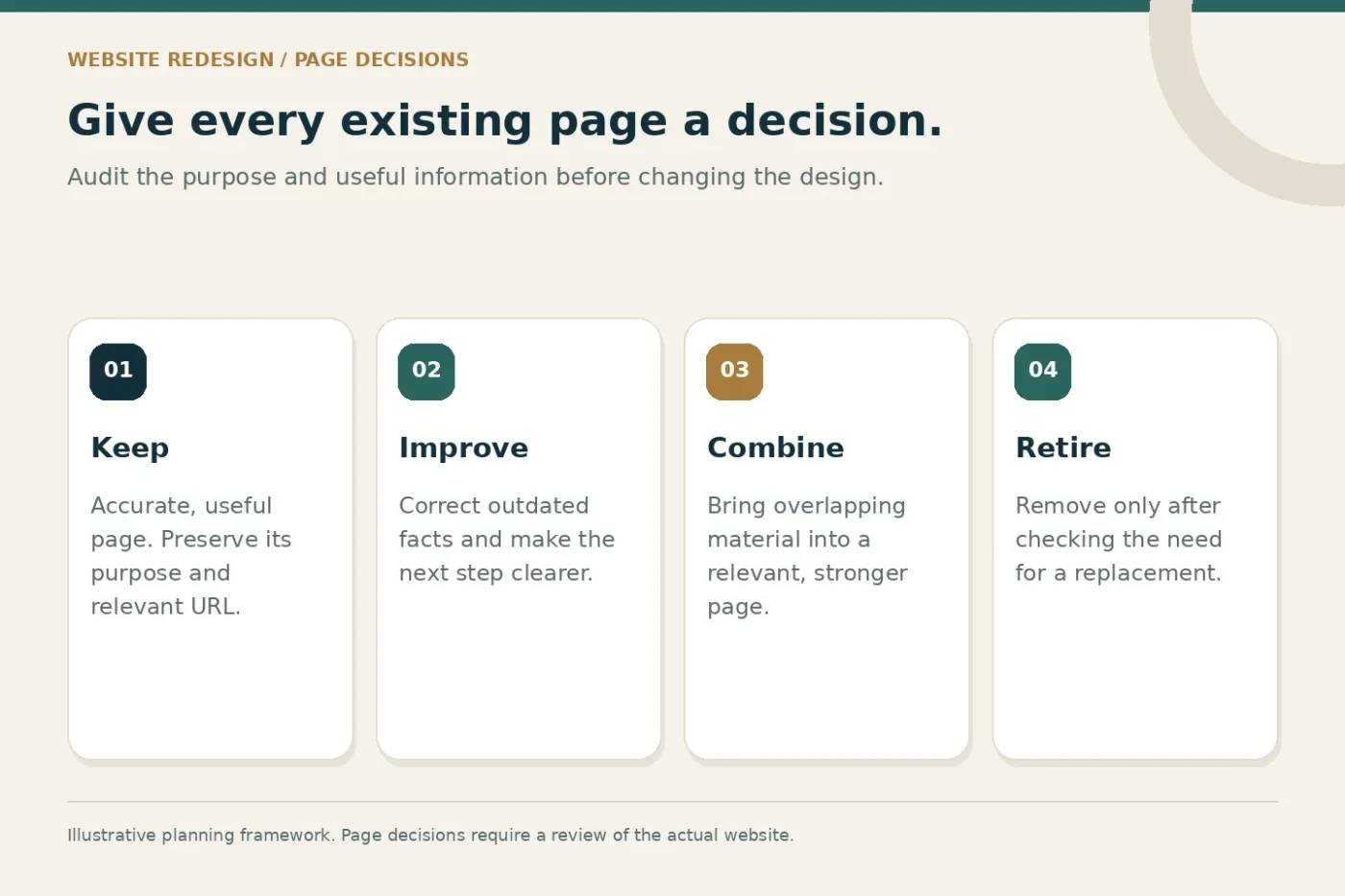
Give every page one of four actions: keep, improve, combine or retire. If two pages describe the same offering, identify the stronger destination and confirm which useful details must survive. Do not create a new page for each small wording variation unless it serves a distinct visitor need.
Design around visitor decisions
A useful service page answers a sequence of questions. Does this practice offer what I am looking for? Where is it available? Who provides it? What should I do next? The wording should reflect the practice's actual services and approved information, with clinical statements checked by an appropriate person.
For a clinic with several branches, place location information close to the relevant service details. Do not make visitors discover only at the enquiry stage that a service is available elsewhere. Use clear labels for requests, calls and external booking systems so the action matches what happens next.
An illustrative layout might contain a short introduction, confirmed service information, relevant clinician profiles, location and access details, common practical questions and one prominent enquiry action. The number of sections should follow the information needed, rather than a fixed template repeated across every page.
Plan mobile forms and confirmation messages together
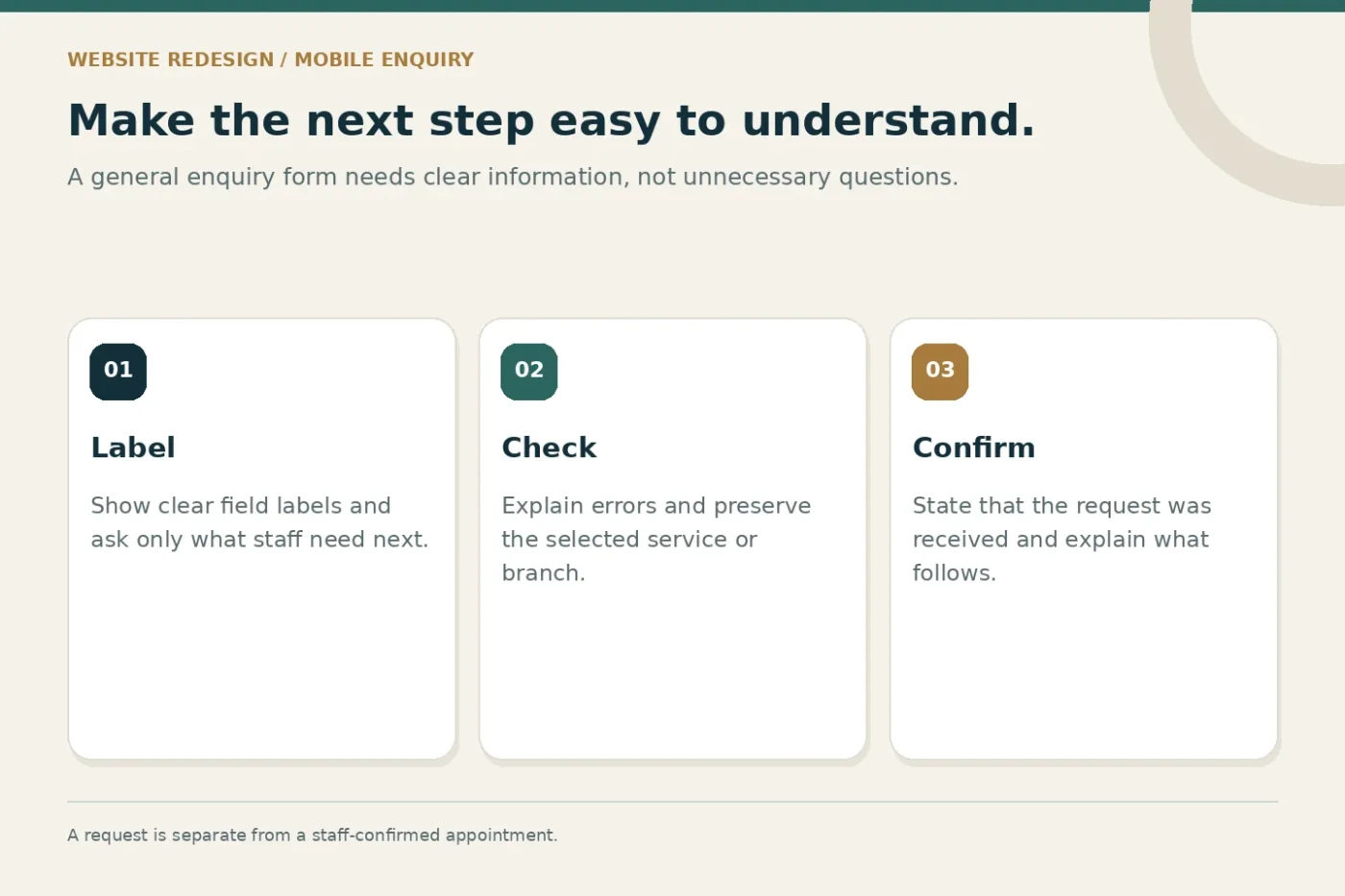
Test the enquiry journey with a small screen and ordinary connection conditions. Check whether field labels remain visible, error messages explain the correction and the submit button can be used comfortably. A beautiful form that loses the selected service or sends no confirmation is unfinished.
The W3C forms tutorial recommends short forms that request only necessary information, with clear labels and useful feedback. Apply that principle to a general clinic enquiry: ask what staff need for the next conversation and use an appropriate channel for any sensitive information required later.
Write the success message before launch. If staff must review availability, say the request has been received and explain the expected next step. Test the stored admin record and staff notification as well as the message shown on screen. Customer acknowledgements should be verified separately.
Preserve useful URLs and map necessary changes
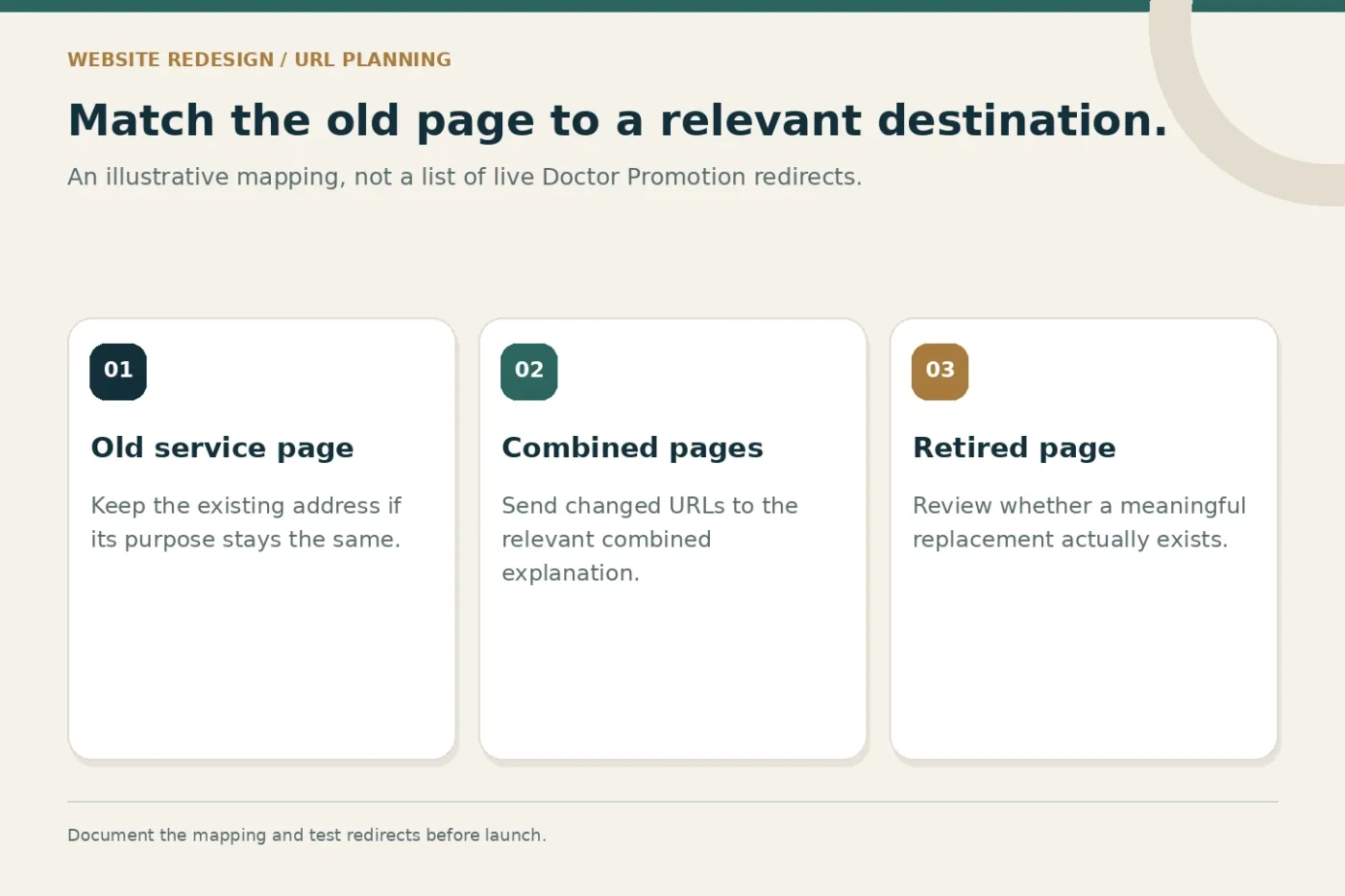
Keeping an established URL can simplify a redesign when the page purpose stays the same. If a URL must change, prepare an old-to-new mapping. The destination should be relevant to the original page; sending every retired page to the homepage can leave visitors confused.
Google's site-move guidance describes preparing URL mappings, configuring redirects and monitoring the move. Ask the developer to document the redirect type, destination and test result for each important change. A redesign alone does not guarantee better rankings.
Update internal links, canonical references and the sitemap to reflect the final public URLs. Check that private previews remain private and that launch settings do not accidentally block intended public pages. Record exceptions, including pages intentionally removed without a replacement, so future reviewers understand the decision.
Use images to explain the practice
Choose photography and illustrations for a purpose. A real entrance photograph can help someone recognise the location; an approved team portrait can support an accurate biography. A decorative image should not imply that a stock model is a clinician working at the practice.
Prepare descriptive filenames and useful alternative text where the image communicates information. Check permission, crop and mobile display before publishing. Avoid placing essential contact details only inside an image because visitors should be able to read and use that information as page text.
Plan loading behaviour with the developer. Images below the opening screen may suit lazy loading, while the main visible image needs a deliberate loading strategy. Test the actual page rather than assuming a file format or hosting label guarantees speed.
A redesign decision map
- Audit
List existing pages and the problems visitors face.
- Decide
Keep, improve, combine or retire each page.
- Build
Connect approved content, mobile layouts and enquiry routing.
- Verify
Test URLs, forms, images and staff handover before launch.
Agree deliverables and ownership before development
A redesign proposal should specify the included page types, content responsibilities, revision rounds and technical handover. Clarify who confirms service facts, supplies photographs and approves biographies. Identify whether hosting, licences, integrations and ongoing maintenance are included or separately quoted.
Ask for reviewable outputs: a page inventory, proposed navigation, representative mobile layouts, content drafts and a test checklist. These make progress visible without requiring the clinic owner to interpret development activity. Approve representative pages before extending the layout across the site.
The medical website redesign service can be discussed alongside website migration SEO support when addresses or content structures will change. The written proposal should define which work applies to your website.
Check the release with a real enquiry
Before announcing the new site, test key paths from the homepage and from a service page reached directly. Check menus, telephone links, location details and the enquiry record. Use a labelled test enquiry and confirm the correct team receives it; remove test data through the agreed process afterward.
Keep a launch record covering backups, rollback arrangements, redirect checks and known issues. Assign responsibility for post-launch corrections. The first review should focus on whether visitors can complete intended actions and whether staff can handle the resulting requests accurately.
Common questions
Must every page receive a new URL?
No. Keep a useful, accurate URL where the purpose remains unchanged. Plan a relevant replacement and redirect when a change is necessary, rather than changing addresses for appearance alone.
How do we know the redesign is ready?
Use the agreed acceptance criteria. Approved content, working forms, correct routing, tested mobile layouts and documented URL changes provide a practical release decision. Search performance requires continued monitoring after publication.
To discuss a scoped redesign, share your website and the main visitor problems. A clear brief helps separate essential repairs from optional enhancements.