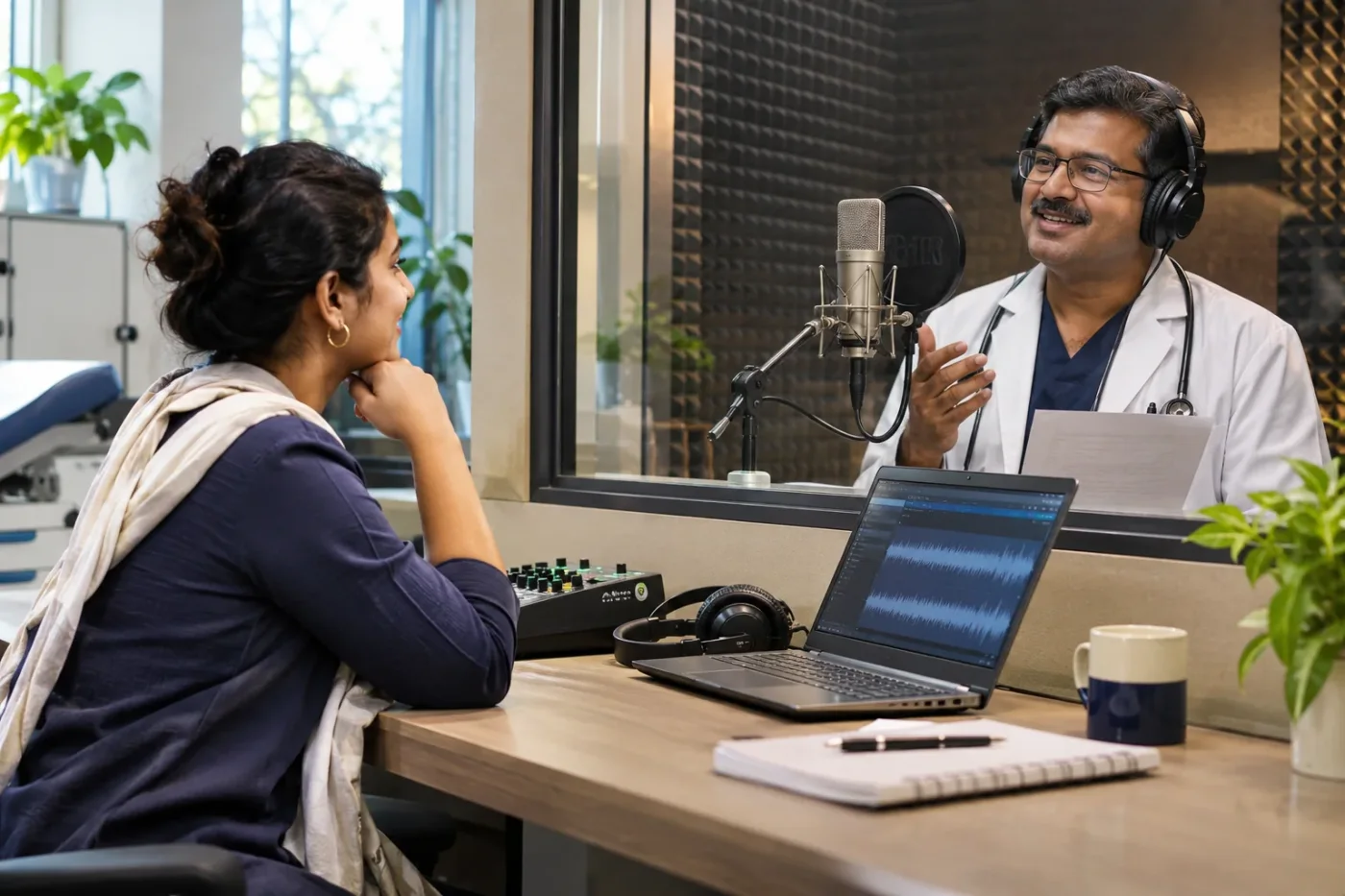
Clinic video voice-over gives viewers information while their eyes follow photographs, diagrams or a demonstration on screen. A readable web paragraph can be hard to follow when spoken at the speed of an edit. Prepare the narration for listening, then plan how the audio and on-screen information will work together.
The producer needs the approved script, a pronunciation guide and a clear decision about who can request changes. A well-prepared session spends time on the delivery. Without those materials, the recording can turn into a live copy review while the studio clock is running.
Define what the viewer needs to hear
Decide which information must be conveyed by the voice, which appears on screen and which can be linked below. For a short video about finding the practice, the narrator can describe the sequence while the address stays readable on a title card. If the voice says “click here,” a viewer who only hears the audio may not know which destination is meant.
Write a clear objective for the first listen. A visitor should be able to identify the next step after hearing the recording once. Keep a transcript or text version available where it helps people review details. The W3C accessible media guidance explains options for audio and video accessibility. Use it when planning the script, visuals and accompanying text.

Adapt the script for a speaking voice
Use sentences the narrator can say in one natural breath. Put unfamiliar names and numbers where they are easy to hear. Break up a paragraph that lists several conditions or appointment routes. A spoken direction is easier to remember when it names a landmark first and gives the turn in a separate sentence.
Read the script against the rough cut before booking a session. Mark where the viewer needs extra time to read a label or absorb a visual change. If a line consistently runs long, revise the wording or adjust the cut. Asking the narrator to rush can hide the very detail the video was made to explain.
Create a pronunciation and style sheet
List clinic names, locations, staff names and any specialist terms the narrator is expected to read. Ask the practice to provide a spoken reference for words whose pronunciation varies. Capture the preferred form of address and how to read dates, initials and telephone numbers. Keep pronunciations beside the actual script line, where the narrator can find them quickly.
Choose a delivery style that matches the purpose. A directions video may need a calm, practical voice. An introduction to a department can allow a slightly warmer pace. Share one example of the intended delivery and explain why it fits. A request for “more energy” is easier to act on when the producer can point to a specific line and listener need.
Plan language versions independently
For a bilingual video, agree the meaning of each version before recording. A literal translation can put the important instruction at the end of a sentence that is too long for its allotted screen time. Ask a fluent reviewer to check both the spoken wording and the associated title cards.
Keep clinic names, dates and booking instructions consistent across versions. If one language version needs a little more time, give the editor permission to extend a shot. Review subtitles against the final recording, particularly after a retake. A subtitle file from an earlier script can preserve a phrase the narrator was asked to remove.

Rehearse an example with a timing problem
Imagine a short clinic video that explains how to reach a second-floor reception. The rough cut allows six seconds for the final instruction. The script includes the building name, a choice of entrances, lift access and an appointment reminder. During rehearsal, the narrator speaks fast enough to fit the cut, but listeners cannot recall which entrance to use.
The team moves the appointment reminder to an earlier line, splits the route into two sentences and holds the entrance shot longer. A colleague hears the revised version without watching and can describe the route. Another checks the visual sequence with the sound muted. Comparing both experiences reveals what each part of the video needs to carry and where the editor still needs a label.
Record usable alternatives
Ask the audio engineer to record short test takes and listen before completing the full script. Check for room noise, pops, difficult pronunciations and distracting changes in level. Mark preferred takes as you go. Record alternate readings where the editor genuinely needs a choice, such as a short and a longer version of the closing line.
Keep room tone and clean narration in separate files if the editor requests them. Agree file names, language codes and version dates so retakes can be matched with the correct script. If the practice updates a phone number later, having a clean segment and the original session notes makes a targeted replacement easier.

Review the mix on ordinary devices
Listen on headphones and a phone speaker. Check whether background music competes with consonants or masks a quiet ending. Listen at a normal volume, especially when the clip will be used in a waiting room or on a mobile feed. Give feedback using timestamps and describe what was hard to hear.
Check how the spoken instruction matches the on-screen CTA. If the narrator says “call reception” while the final card only shows a form, decide which action the video should support. Correct the mismatch before export. Review the transcript after approval so it reflects what people actually hear, including any last-minute pronunciation or wording changes.
Keep a source and update record
Store the approved script, the voice recording, mix and transcript with the edit. Include the agreed use of the recording and note who can approve future changes. For a long-lived video, flag lines that mention hours, branch names or temporary arrangements. Review those lines when a practice detail changes.
Doctor Promotion's video production service can be scoped around script preparation, recording and version review. Send the planned duration, audience and languages via the contact page so the production work can be estimated.
Set a process for late wording changes
Create a short list of lines likely to change, such as temporary opening times and branch names. Record each one as a clean segment with a little room before and after it. If the practice changes a closing instruction after the session, ask the script owner whether the revision also affects the on-screen card and transcript. Assign each of those edits to one person. Before exporting, listen from the preceding sentence through the revised line so a different pace or background sound does not create an abrupt transition. Keep the approved line alongside its take number and timestamp.
Frequently asked questions
Can we record before the visuals are edited?
Yes, if the team agrees the approximate timing and keeps the edit flexible. Read the script against a storyboard or rough cut before the session.
Who should check pronunciations?
Ask the practice to verify names and terminology. Give the narrator short spoken samples where written guidance could be ambiguous.
What should be checked after a retake?
Verify the new line against the approved meaning, edit timing, subtitle and transcript. Check that the replacement sounds consistent with surrounding audio.