
Clinic SMS service disruption notices are useful when a closure, power interruption or appointment system fault changes what people should do. The message needs to identify the affected service, say when the change applies and give a contact route that still works. Confirm each fact before asking someone to change their plans.
Build the communication around the actual disruption. A branch entrance issue is different from an outage affecting online requests. An SMS can give a concise instruction, while a verified status page can carry updates. Prepare both so reception can answer the same question consistently by phone.
Decide which recipients need the message
Identify the people whose plans change. If the clinic has to move a specific session, start with that session and the practice's established appointment communication process. An outage affecting a website form may only require a public notice and a follow-up for people whose submissions could not be confirmed. The audience should match the operational effect.
Ask the authorised staff member to review the recipient list and the dates before sending. Remove test contacts and duplicate entries using the practice's approved process. Check that language and contact preferences are respected. Keep a test recipient separate from the actual list so someone can inspect the message without exposing or contacting the audience prematurely.
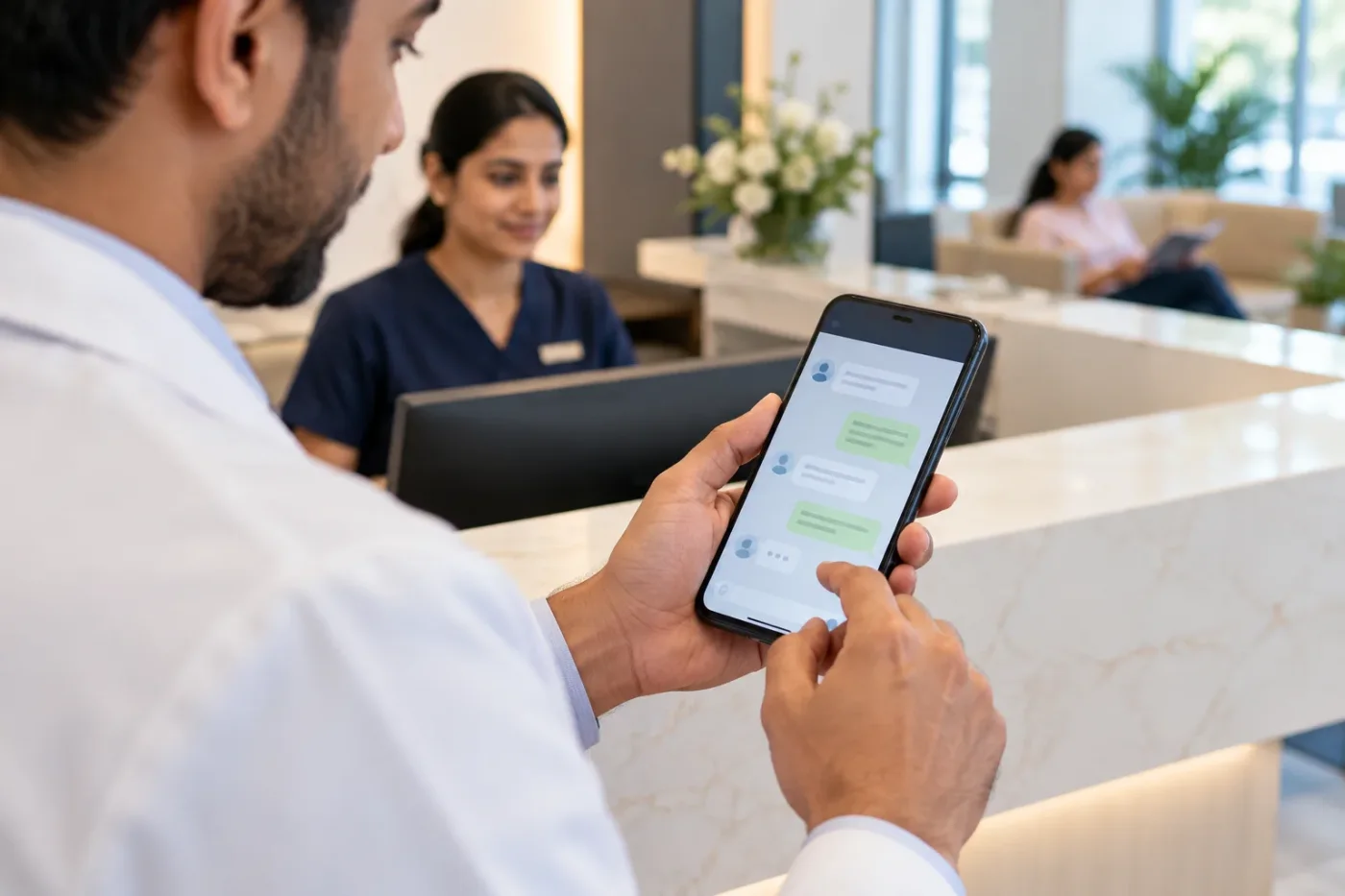
Put the change and time at the start
Use the practice or branch name, date and affected service in the opening. A reader should be able to decide quickly whether they need to act. “Today” can become unclear after a delay or a screenshot, so include a calendar date and a time range where it matters.
Write an instruction the reader can carry out. If the online form is unavailable, tell them which channel is currently supported and when someone can respond. If there is no confirmed reopening time, give the next planned update or a reliable place to check. The W3C writing guidance offers principles for writing instructions that are clear and easy to follow.
Separate requests from confirmed arrangements
A notice about a disruption can create new requests. If people are being asked to send a reply, confirm someone can receive and process it. If the sender cannot accept replies, provide a clear contact route. Explain whether a person needs to wait for an individual confirmation before travelling.
Keep the message focused on administrative facts. A bulk message should not include private reasons for appointments or unnecessary personal information. If the practice needs to communicate individual details, use its approved workflow. Keep the public version generic so the message still makes sense when forwarded and does not reveal why a particular person received it.
Test the contact route during the disruption
Call the number and open any link from a phone that is outside the practice network. Check whether the link points to the affected branch and whether it still works when the main scheduling system is offline. If the fallback channel depends on the same unavailable service, choose a different supported route.
Review the text as displayed by the sending provider and on the phone. Check for awkward truncation, incorrect substitutions and broken links. Ask the provider how the selected language and message length will be handled. Verify the displayed sender information so the recipient can recognise the notice and independently check the practice's public contact details.

Rehearse a scheduling outage
Imagine an online appointment request system stops confirming submissions at 10 a.m. Reception can still answer calls until 4 p.m. The practice checks that existing confirmed visits can continue. The first draft says “Appointments disrupted,” which would cause avoidable calls from people with confirmed bookings.
A revised administrative notice states that online requests are temporarily unavailable, confirmed bookings continue as scheduled and the practice can be reached by phone during the published hours. Affected pending requests are handled separately once staff can verify their status. Before sending, one colleague pretends to have a confirmed visit and another pretends to have just submitted a form. Ask each what they would do after reading it. Revise the text if either assumes their request is already confirmed.
Give reception a live handover
Provide reception with the exact notice, when it went out and the next update time. List the questions the team expects and who can approve an answer if the situation changes. If different staff handle phone and chat, give them the same facts. Use a clear version label so people know which wording is current.
Make capacity visible. If many recipients may call at once, agree who answers and what callers should hear if the line is busy. A message can redirect demand faster than reception can handle it. Consider sending to the most time-sensitive audience first when that suits the actual scheduling situation. Ensure the practice can follow up on any promised callback.

Send a correction or resolution with context
When service resumes, decide whether affected recipients need another message. A person who was asked to wait may need an update, while someone who has already received a confirmed replacement may not. Reconcile the status of pending requests before telling people to resubmit. Otherwise duplicate records can obscure the requests that still need attention.
Record the event date, affected routes, messages sent and changes made. Review the questions that continued to arrive. Those are good candidates for clearer wording in the next incident plan. Explore SMS campaign support or share the workflow through the Doctor Promotion contact page.
Prepare an incident message card
Put the current branch contacts, sender name and approval owner on a short internal card. Leave blanks for the verified date, affected service, action and next update. Have a backup approver test whether they can find that card without the normal communications lead. If the team copies an older notice as a starting point, make it check every copied time and link before sending. A familiar message can feel correct even when it names the wrong branch. Practise with a test outage scenario during a quiet period. Time how long it takes to verify the facts and get a test message onto a phone, then fix the slowest handover.
Handle undelivered notices separately
Ask what delivery status the sending platform provides and who reviews it. A delivered message does not show that the recipient understood it. An undelivered notice concerning a changed appointment may need another approved contact attempt. Give staff a list of the cases requiring follow-up, with enough context to avoid repeating calls already completed by another team. Keep the public status notice in step with the latest confirmed information so people can also check independently. At the end of the incident, identify which time-sensitive cases still lack a confirmed outcome and give them a named owner.
Frequently asked questions
Should every patient receive a disruption notice?
Send to the audience whose plans are affected through the practice's established contact process. Use a public notice for general information when appropriate.
What if we do not know when the system will return?
Give the confirmed current status and tell people when or where to check for an update. Use a fallback channel only after verifying it.
Should an SMS ask people to reply?
Only when the sender can receive replies and staff can handle them. Test a reply end to end before distributing the notice.